
Google Business Profile Suspended? How to Get It Reinstated
Key takeaways
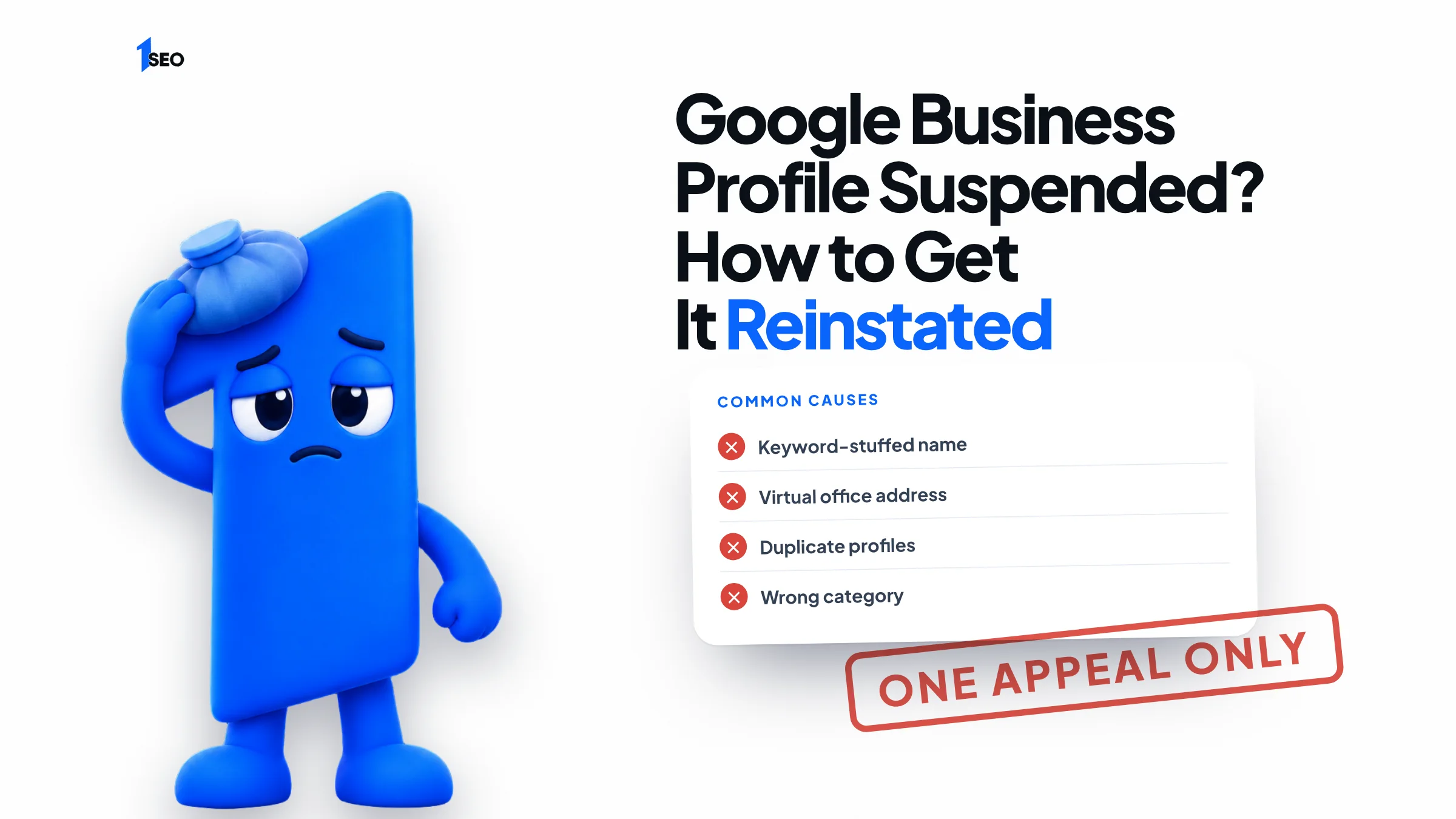
- Most suspensions come from a short list: a keyword-stuffed name, a virtual office or mailbox address, duplicates, a wrong category or prohibited content.
- Google says appeals can only be submitted once per decision, so fix the guideline problem and gather evidence before you press submit.
- Attach documents whose business name and address match the profile: registration, license, tax certificates or utility bills.
A Google Business Profile suspended without warning feels like your business vanished overnight. Your listing stops showing for customers, the calls stop, and the dashboard shows a notice you did not expect. The good news: most suspensions come from a short list of fixable problems, and Google gives you an official appeals tool to ask for a review.
The catch is that Google says appeals can only be submitted once. That makes the order of operations matter. You find out why the profile was suspended, fix what the guidelines say is wrong, gather evidence, and only then press submit.
Below is the full process, using the menu names and rules from Google's own help pages. It covers the common causes, the appeals tool, the evidence that helps, what to do if the appeal is denied, and when paying someone for help makes sense.
01.Why a Google Business Profile gets suspended
Google suspends profiles that break its guidelines. The usual triggers are a business name stuffed with extra words, an address that is a virtual office or mailbox, duplicate profiles, a wrong or misleading category, and prohibited content. Fixing the guideline problem is what makes an appeal succeed.
Google's guidelines say your name should reflect your real-world name, and that adding marketing taglines, hours, phone numbers or URLs to it is not permitted. A plumber in Tulsa who renames the profile “Tulsa Emergency Plumber 24/7 Cheap” is asking for trouble. The same goes for a dentist who adds “Best Dentist in Boise” after the practice name.
Address problems are the other big group. Google states that P.O. boxes and mailboxes at remote locations are not acceptable, and that businesses with a virtual office are ineligible. A co-working space only qualifies with clear signage, in-person service during business hours and staff from your business.
Google also lists duplicate profiles, inaccurate information and promotions without clear terms as reasons it may suspend access. Each location should have one profile, and a business that moves should update its existing profile instead of creating a new one.
- Extra words, taglines or keywords in the business name
- Virtual office, P.O. box or a mailbox at a remote location as the address
- Two or more profiles for the same location
- A service-area business showing a home address it should hide
- Content that breaks Google's prohibited content policies

02.How to tell what is actually suspended
Check three places: your Business Profile in Search or Maps, the email tied to your Google Account, and the appeals tool. Google says suspensions trigger a notification in the Google Account used to manage the profile. The appeals tool then shows the decision date, the reason and whether it can be appealed.
Sign in to the Google Account that manages the profile and search your business name plus city. A suspended or disabled profile does not appear to other users until the problem is resolved. Google's help pages describe two different situations that look alike from the outside: the profile itself is removed, or the Google Account that manages it is restricted.
If the account is restricted, the profiles it manages are suspended and you cannot appeal them until the restriction is lifted. In that case you start on Google's My accounts restrictions page (myaccount.google.com/restrictions), submit your reason and appeal there, and come back to the profile appeal afterward.
If only a manager's account is removed, the locations are not affected. If the owner's account is removed, every location that owner holds is removed, and reinstating the account restores them. Knowing which case you are in saves you from filing the wrong appeal.
03.Fix the guideline problem before you appeal
Open Google's Business Profile guidelines and compare them to your listing line by line: name, address, categories, hours, phone and website. Correct anything that does not match your real-world business. Google tells owners to make sure the profile follows all the guidelines before appealing, because you only get one appeal.
Start with the name. It should match your signage and branding exactly, with no keywords added. Then check the address: it has to be a precise, real location, and a service-area business that works from home should hide that address. Next, your categories. Google asks for as few as possible to describe your core business, so remove anything that is not what you are.
Check your phone number and website too. They should represent your individual location, be under your direct control and not redirect to a different business. If you have a second profile for the same business, note it down. You will explain it in your appeal rather than hide it.
One rule from Google deserves its own line: do not create a new Business Profile for the same business while you wait. A new profile can look like an attempt to dodge the suspension and can make your original case harder to win.

04.How to appeal a suspended Google Business Profile, step by step
Open Google's Business Profile appeals tool, sign in to the account linked to the profile, select the profile and the decision you are appealing, add evidence and an explanation, then select Submit appeal. Google emails you the decision. Appeals can only be submitted once per decision.
The single-profile process on Google's help page works like this. If you have ten or more suspended locations, the tool asks whether you are requesting bulk reinstatement and lets you attach a spreadsheet of Business Profile IDs instead.
| Step | What you do |
|---|---|
| 1 | Open the appeals tool (business.google.com/?p=manage_appeals) and sign in to the Google Account linked to the profile |
| 2 | Select Confirm, or Switch account if you need a different one |
| 3 | Select the profile you want to appeal, then Continue |
| 4 | Select the decision you are appealing, then Continue. The tool shows the decision date, the reason, a link to the policy and whether it can be appealed |
| 5 | Optionally choose files as evidence and explain in the text box why the profile should be reinstated |
| 6 | Check the box confirming you are ready to submit, then select Submit appeal |
05.What evidence to attach to your appeal
Attach documents that show a real business at a real address: registration, a business license, tax certificates or utility bills. Google requires nothing in particular but says the business name and address on each document should match the profile. Matching details are what make the evidence useful.
Google lists these examples: business registration, a business license, tax certificates, and utility bills such as electricity, phone, water or internet. Bulk appeals are stricter: the name and address on each document must exactly match your registration.
In the text box, write short and plain. Say what the business is, where it operates, what you corrected since the suspension, and which guideline it relates to. A roofing contractor in Columbus might write that the name was changed back to the legal name on the license, and attach the license. Skip long stories and avoid blaming Google.
If a duplicate caused the problem, say which profile you keep and which you want removed. Do not paste the same text into several submissions. You only get one.

06.After you submit: statuses, denials and next steps
Open the appeals tool again and select your profile to see the status: Submitted, Approved, Not Approved, Can't be appealed or Eligible for appeal. If the appeal is denied, you may be able to request one additional review, but only with new evidence you did not include the first time.
Google emails you the decision. If it is approved, the profile and its owner and managers come back. If you still see problems with a reinstated profile, Google points you to Business Profile Help (business/gethelp).
If the appeal is not approved, do not resubmit the same material. Google says an additional review is possible through its local appeals contact form (business/contact/local_appeals), and it needs evidence that was not part of your original submission. Read the stated reason first, because it tells you which guideline Google believes you broke.
Once the profile is back, keep it boring: name matches signage, address is real, categories are specific, hours are current. Our guide to the Google Business Profile optimization checklist covers the upkeep.
07.Do you need a Google Business Profile reinstatement service?
No service can pay or pressure Google to reinstate a profile. A reinstatement service can only do what you can do yourself: diagnose the violation, fix it, assemble evidence and file the appeal correctly. It makes sense when you have many locations, a repeated suspension or no time to get the one appeal right.
Be wary of anyone who promises a guaranteed reinstatement or claims a back door at Google. The official path is the appeals tool, and it is free. What costs money is the time spent getting the evidence and wording right.
Ichiban SEO is a remote local SEO agency that works with US businesses on exactly this kind of cleanup, as part of our Google Business Profile management. If you want a second pair of eyes before you file your one appeal, we will review your listing against Google's guidelines first.
Conclusion
A suspended Google Business Profile is stressful, but most cases come down to one guideline problem you can fix. Diagnose it, correct it, build your evidence and file the appeal once, carefully.
While you wait, make sure the rest of the listing is clean with the Google Business Profile optimization checklist. If the profile is missing rather than suspended, read why a business is not showing on Google Maps.
Frequently asked questions
How long does it take to get a suspended Google Business Profile reinstated?+
Can I just create a new Google Business Profile?+
How many times can I appeal a suspension?+
What if my Google Account is restricted, not just the profile?+
Will I lose my reviews if the profile is reinstated?+
Is a Google Business Profile reinstatement service worth paying for?+
Keep going
What to read next
The serviceGoogle Business Profile optimizationEvery field, category, photo and post set up to help you show up in the map pack.See the serviceSources & references
About the author
