
Google Business Profile Optimization Checklist: Every Field
Key takeaways
- Work through the checklist once, then repeat the short monthly routine to keep the profile current.
- Google says local results are based mainly on relevance, distance and prominence, and that you cannot pay for a better local ranking.
- Keep your business name, address and phone number identical on the profile, your website and every directory.
This Google Business Profile optimization checklist walks through every field on your Google Business Profile (GBP), one box at a time. Work through it in one sitting, then repeat the short monthly routine at the end.
Google says local results are based mainly on relevance, distance and prominence, and that there is no way to pay for a better local ranking. You cannot change distance. You can influence relevance with accurate details, and prominence with reviews and a profile that stays current.
When a field needs more than a tick, the item links to a full guide.
01.Verification, name and address checks
Verify the profile, then make sure the name, address and location type follow Google's rules. Google says businesses with complete and accurate info are more likely to show up in local search results. A padded name, a P.O. box or a virtual office breaks Google's guidelines and can put the profile at risk.
Start here, because Google can reject or suspend a profile that breaks these rules. Each rule comes from Google's guidelines for representing your business.
To change a field, sign in with the Google Account linked to the profile. Our guide to editing your Google Business Profile shows where each one lives.
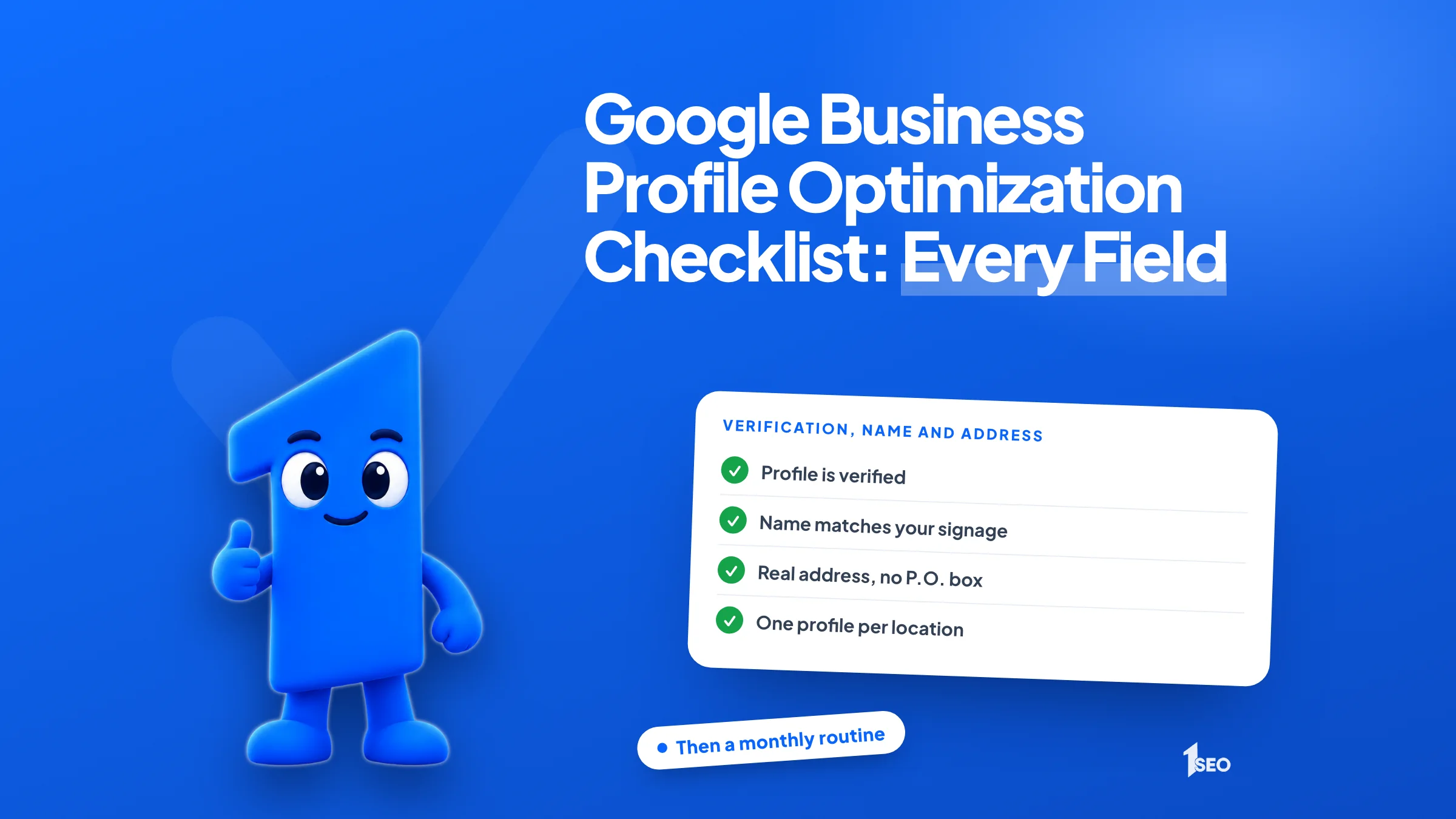
- Profile shows as verified in your dashboard.
- Business name matches your real-world signage, with no taglines, hours, phone numbers or URLs.
- Address is a real storefront or office, not a P.O. box, a mailbox at a remote location or a virtual office.
- Service-area business: address hidden from customers, service area within about 2 hours of driving from your base.
- One profile per location (search Maps for duplicates).
- If the profile was suspended, follow the steps in our suspension guide.

02.Category, hours, phone and website checks
Pick the most specific primary category, such as Nail salon instead of Salon, and add extra categories only for what you really do. Set accurate weekly hours, add special hours for holidays, and use a local phone number and a full website address.
Say a dentist in Boise changed her Saturday hours last spring and never updated the profile. Customers find a locked door, and the review that follows says so. Out-of-date hours are easy to overlook, so check them first.
For the full category method, see our Google Business Profile categories guide.
- Primary category is the most specific option on Google's list.
- Secondary categories added sparingly, because Google says not to choose one for every product or service.
- Main hours match what is on the door.
- Special hours set for holidays and events, for closures of 6 days in a row or fewer.
- Closures of 7 or more days marked as temporarily closed.
- Phone number is local, not a call center helpline, and does not redirect (you can add up to 2 more numbers).
- Website address is a full URL and does not redirect.
03.Description, services and photos checks
Write a plain description under 750 characters with no links, list your services in the editor, and upload real photos. Google accepts JPG or PNG picture files from 10 kilobytes to 5 megabytes, recommends 720 by 720 pixels, and takes videos up to 30 seconds. New media can take 24 to 48 hours to appear.
Google's photo and video specs apply only after verification, since Google shows photos and videos only on a verified profile. The editing rules cap the description at 750 characters and ban URLs and HTML code.
Our photo size guide lists every spec and the photos worth adding.
- Description says what you do and who you serve, under 750 characters, with no URLs or HTML.
- Services listed in the services editor, with accurate prices where you show them.
- Cover photo and logo added.
- Exterior photo added, so customers can spot your storefront.
- Real photos of your interior, team and work, in JPG or PNG.
- Video, if you add one, runs up to 30 seconds, up to 75 megabytes, at 720p or higher.
- Old photos that no longer match reality replaced.

04.Review and update checks
Ask happy customers for reviews, reply to every one, and post updates when something changes. Google says more reviews and positive ratings can help your local ranking. Never offer payment, discounts or free goods in return for a review, because Google's policy bans incentivized reviews.
Google lets you share a review request link or QR code with customers. Our free QR code tool makes one for you. For the full method, see how to get Google reviews and how to respond to them.
Our review policy guide covers the rest of Google's review rules.
- A review request process runs after each job, using a link or QR code.
- Every review has a reply, good or bad.
- No payment, discount or free item offered in exchange for a review.
- An update posted when you have real news, such as a new service or holiday hours (Google archives posts older than 6 months unless a date range is set).
- Calls and messages from the profile answered the same day.
05.Consistency checks outside Google
Use one version of your business name, address and phone number everywhere: your profile, your website footer, your contact page and every directory. A suite number written two ways or an old phone number on one listing can send customers to the wrong place.
Pick one format and copy it exactly. Together, name, address and phone number are called NAP. Our NAP consistency guide explains how to find and fix mismatches, and the list of US business listing sites shows where to look.
For your website and listings beyond the profile, use the local SEO checklist.
- Name, address and phone number (NAP) match on your website footer and contact page.
- Major directories show the same name, address and phone number.
- Profile links to the page for that location, not a generic page.
- Old addresses and phone numbers removed from listings you control.
06.The monthly routine for your profile
Once a month, reply to new reviews, confirm hours for the next holiday, add a few fresh photos, check for duplicates and suggested edits, and view your profile the way a customer does. A short, regular check beats an occasional overhaul, so put it on the calendar for the same day each month.
Not enough time for this? Our Ascension plan is $497 a month and includes ongoing profile upkeep: posts, photo uploads and review replies. See our local SEO packages or our Google Business Profile management service.
- Reply to every new review.
- Confirm hours for the next holiday.
- Add two or three new real photos.
- Check for duplicate listings and suggested edits.
- Search your business name and city, signed out, and read the result like a customer.

Conclusion
A profile that passes every check still needs the monthly routine. New reviews, holiday hours and a few fresh photos keep the details accurate, and a quick search as a customer shows you what they see. Block a short slot on the same day each month and the profile stays current without another full overhaul.
For the bigger picture, read how to rank higher on Google Maps. If you want the profile handled for you, see our Google Business Profile optimization service or book a free local SEO audit.
Frequently asked questions
What is the most important item on a Google Business Profile checklist?+
Can I pay Google to rank higher locally?+
How long should my business description be?+
How often should I check my Google Business Profile?+
Can I ask customers for reviews?+
Keep going
What to read next
Sources & references
About the author
