
Google My Business Categories List for Local Businesses
Key takeaways
- Choose one primary category that matches your biggest source of revenue, using the most specific real name in the dropdown.
- You can't invent a category. Add secondary ones only for separate services you really deliver, and keep the total short.
- Lists change and names vary, so confirm every name inside your own profile before you rely on it.
This Google My Business categories list gives real category names for common US local trades, plus the rules for choosing a primary category and adding secondary ones. Google My Business is now called Google Business Profile. Owners still search the old name, and categories work the same way.
Choosing categories is part of local SEO, the work of showing up in Google Maps and local results. Categories tell Google what your business is. Google says the categories you select affect your local ranking, and some categories unlock special features on your profile. Google's guidelines ask for categories that are as specific as possible, so a vague primary category works against you.
Google doesn't hand out one official list to copy. You pick from a dropdown inside your profile, and it changes over time. Treat the tables below as a starting point and confirm each name in your own dropdown.
01.How Google Business Profile categories work
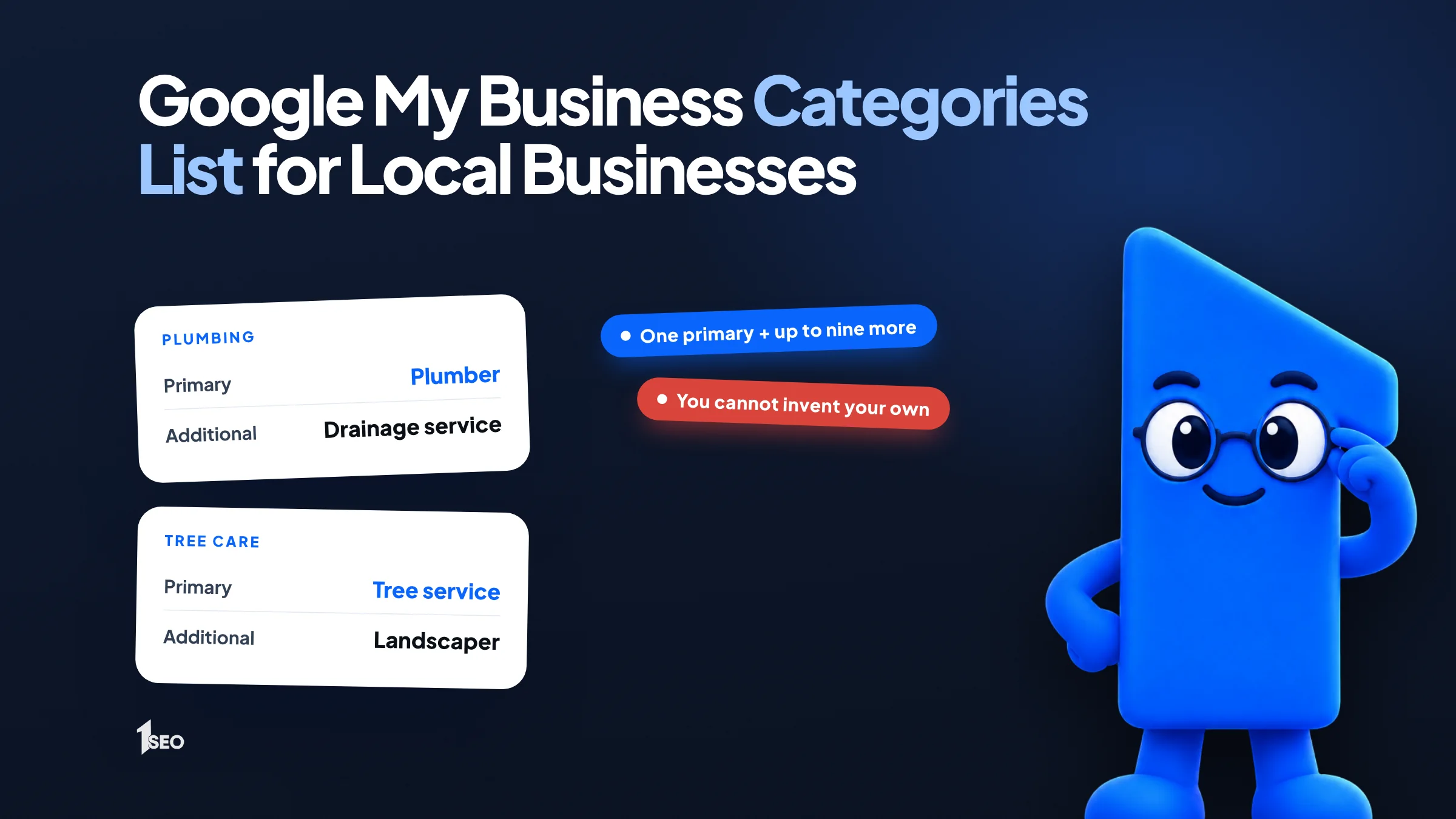
You choose one primary category that best describes your business and can add more for separate departments or services. You can't create your own, so you pick from the list Google offers. If your exact category doesn't exist, pick a more general one that fits and describes your core business.
Google's guidelines ask for "the fewest number of categories it takes to describe your overall core business" and categories that are "as specific as possible, but representative of your main business." Google's own example: choose Nail salon instead of Salon. For a grocery store with a bakery and a deli, the help page suggests Grocery store as primary, then Bakery and Deli as additional.
Categories describe what a business is, not every product or amenity it offers. Google also says it can detect category information from your website and from mentions of your business around the web, so your site should say the same thing your profile does.
One rule people miss: don't borrow the category of a separately owned business inside your location. If an independent cafe operates in your health club, it should have its own profile instead of a Cafe category on yours.

02.Google My Business categories list for home services
Home service trades usually have an obvious primary category. Names that appear in third-party category lists include Plumber, HVAC contractor, Electrician, Roofing contractor, Locksmith and Painter. Add a secondary category only for work you really perform, such as Drainage service for a plumber.
Lead with the work that brings in the most revenue. Say an HVAC company in Tulsa makes most of its money installing furnaces. It could lead with Heating contractor, because that is a real category name, and add HVAC contractor or Air conditioning repair service for the other work it does. A company that splits its time evenly can lead with HVAC contractor.
Don't stack ten trades to look bigger. A plumber who also clears drains can add Drainage service. A plumber who never touches roofs shouldn't add a roofing category.
| Trade | Example primary category name | Example additional names |
|---|---|---|
| Plumbing | Plumber | Drainage service |
| Heating and cooling | HVAC contractor | Heating contractor, Air conditioning repair service |
| Electrical | Electrician | None needed to start |
| Roofing | Roofing contractor | None needed to start |
| Locksmith | Locksmith | None needed to start |
| Painting | Painter | None needed to start |
These names come from LocalAuditPro's category guide and GBP Promote's category finder. LocalAuditPro notes that category names can vary by country, business type and availability, so confirm each one in your own dropdown. This table is a starting point, not Google's complete list.

03.Google Business Profile categories for health, legal and real estate
Professional practices should lead with the most specific real category. Names that appear in third-party lists include Dentist, Chiropractor, Personal injury attorney, Estate planning attorney and Real estate agent. Use the general Lawyer category only when no specialty fits, and add a dental extra only if you offer it.
Specificity matters most for law firms, because the general label competes with every attorney. Sterling Sky uses Personal injury attorney as the example of a better primary category than Insurance attorney for a personal injury lawyer. If your firm mostly drafts wills and trusts, Estate planning attorney describes you more accurately than Lawyer.
Health practices get extra features from some categories. Google's help page notes that, based on your category, you might see special features on your profile. That's another reason to choose the real category, not a lookalike.
| Practice | Example primary category name | Example additional names |
|---|---|---|
| General dentistry | Dentist | Cosmetic dentist, Emergency dental service |
| Chiropractic | Chiropractor | None needed to start |
| Injury law | Personal injury attorney | Only if you take other case types |
| Wills and trusts | Estate planning attorney | Only if you take other case types |
| Real estate | Real estate agent | None needed to start |
Sources for these names: LocalAuditPro, GBP Promote and Sterling Sky. Categories get added, renamed and removed over time. Probate attorney was added in August 2025, as tracked by Sterling Sky, so a name you want may exist now even if an old list lacks it.
04.Categories for restaurants, salons and auto shops
Restaurants should pick the most specific cuisine or format Google offers, such as Italian restaurant or Pizza restaurant, as listed in third-party guides, before settling for a generic label. Salons and auto shops work the same way: Hair salon, Nail salon and Auto repair shop describe the business better than a broad beauty or car label.
Scroll the dropdown before you settle. A pizzeria that picks Pizza restaurant is telling Google more than one that leaves a general label. Google's own Nail salon example shows the same logic for personal services.
A barber who only cuts hair doesn't need every beauty category. If the shop also sells products, ask whether that is a core business or a side item, then add a category only for the core part.
| Business | Example primary category name | Example additional names |
|---|---|---|
| Italian dining | Italian restaurant | Check the dropdown for a closer fit |
| Pizzeria | Pizza restaurant | Check the dropdown for a closer fit |
| Hair care | Hair salon | Only for a distinct department |
| Nail care | Nail salon | Only for a distinct department |
| Car repair | Auto repair shop | Only for a distinct department |
Nail salon comes from Google's help page. The other names appear in LocalAuditPro and GBP Promote.

05.How to pick your primary and secondary categories
Start with the revenue question: which service pays the bills? Pick the most specific real category for that work as your primary. Then add secondary categories only for separate services you actually deliver. Fewer, accurate categories beat a full list, which is what Google's guidelines ask for.
Work through it in order:
- Write down your top two or three services by revenue.
- Search the category dropdown for the most specific name that matches the top one. Try synonyms, because suggestions depend on what you type.
- Look at the profiles that rank above you on Google Maps for your main search. Copy a category only if you offer the same service.
- Add a secondary category for each separate service you really deliver and want customers to find you for.
- Stop. Skip anything that is just a product, an amenity or a keyword.
Google's help page sets no number. GBP Promote says you can add up to nine secondary categories, but the guideline to use the fewest categories that describe your core business still applies, so each one keeps a clear category signal.
If you serve customers at their locations without a storefront, categories still apply. Google's guidelines say these businesses should have one profile with a designated service area and hide the address. Our Google Business Profile optimization checklist puts the category choice inside the full setup routine.
06.How to change your Google Business Profile categories
Open your Business Profile, select Edit profile, then Edit next to Business category. Enter your primary category and choose it from the list. Use Add another category for extras or Remove to delete one, then select Save. Google may ask you to verify your business again.
That path comes from Google's help page on choosing a business category. Google also reviews profile changes before they go live, so a new category may not appear right away.
Because a change can trigger re-verification, decide on your categories first and edit once. If you want a wider look at what triggers a review of an edit, see our guide to editing your Google business listing.
Check your categories a couple of times a year. Services change, and Google renames or removes categories. Examples, as tracked by Sterling Sky: "Hockey rink" became "Ice hockey rink" in June 2025, and "Swimming Basin" was removed in December 2025.
07.Category mistakes that cost visibility
Mistakes to avoid are a less fitting primary like Insurance attorney when Personal injury attorney describes the work, categories for services you don't offer, copying a competitor blindly and treating categories as keywords. Google's guidelines say categories shouldn't be used solely as keywords or to describe attributes of your business.
A wrong category can also create risk. Google's guidelines tell owners to reflect their business accurately and say Google can suspend profiles that break the rules. If you are hit, our guide to a suspended Google Business Profile explains the next steps.
Copying a competitor feels data-driven. It only works if you offer the same things. If their primary is Roofing contractor but most of your revenue comes from gutters, follow your work, not their label.
If you want a second pair of eyes on the whole profile, our Google Business Profile optimization service covers categories alongside everything else.
Conclusion
The right primary category is the most specific real name for the work that earns you the most. Add secondary categories for separate services only, and recheck them when your offer changes.
Plumbers can read our local SEO for plumbers page. If you want a second opinion on your categories, ask for a free local SEO audit.
Frequently asked questions
Can I create my own Google Business Profile category?+
How many categories can I have?+
Is Google My Business the same as Google Business Profile?+
Does my category affect local ranking?+
Will changing a category require verification again?+
Keep going
What to read next
The serviceGoogle Business Profile optimizationEvery field, category, photo and post set up to help you show up in the map pack.See the serviceSources & references
About the author
