
Google Business Profile Photo Size: Exact Specs and What to Add
Key takeaways
- Google recommends 720 by 720 pixels, JPG or PNG, between 10 KB and 5 MB. The minimum is 250 by 250 pixels.
- Videos can run up to 30 seconds and 75 MB at 720p or higher. Uploads appear only after verification and can take 24 to 48 hours.
- Google suggests at least three real photos each of your exterior, interior, team and work, plus products or food and drink. Skip stock images and heavy filters.
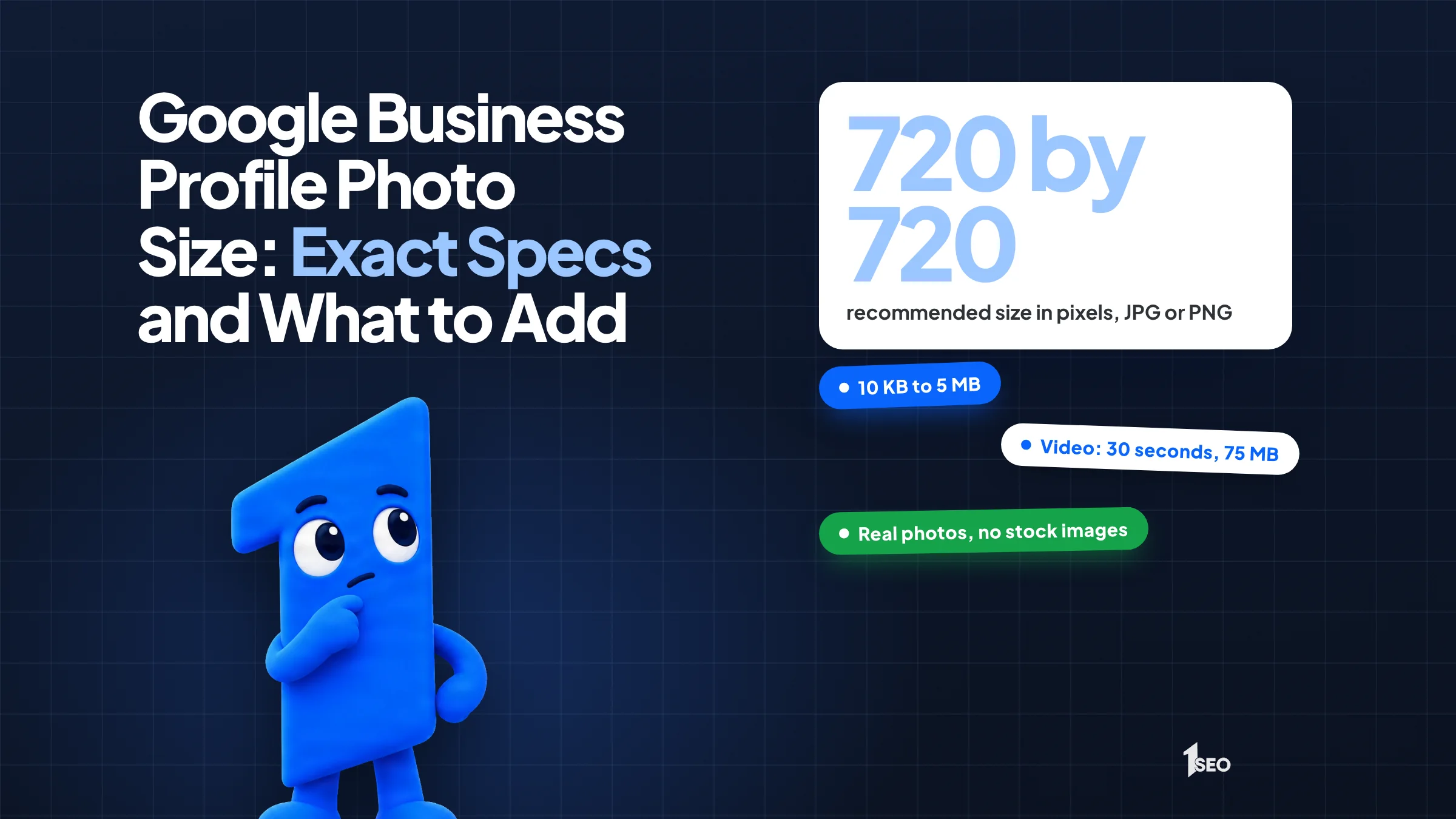
The Google Business Profile photo size Google recommends is 720 pixels tall and 720 pixels wide, in JPG or PNG format (two common image file types), with a file size between 10 KB (kilobytes) and 5 MB (megabytes). The minimum is 250 by 250 pixels. Videos can be up to 30 seconds and 75 MB, at 720p or higher, according to Google's help page on adding photos and videos.
Some guides quote separate sizes for cover photos and logos, but Google's help pages do not. As of November 20, 2026, Google's photo pages list one set of specs, with no separate size for a cover photo or logo and no aspect ratio for photos, covers or logos, so those are the numbers to design against.
This guide covers the specs, the upload steps, the photos Google suggests and what to check when an upload does not show.
01.Google Business Profile photo size and format specs
Google asks for JPG or PNG files between 10 KB and 5 MB. The recommended dimensions are 720 pixels tall by 720 pixels wide, and the minimum is 250 by 250. Photos should be in focus and well lit, with no significant alterations or excessive filters. Google's help pages list no aspect ratio for photos, covers or logos.
Check the size of each file before you upload. A photo over 5 MB is too big, and a 3 KB thumbnail is too small. Google lists only JPG and PNG, so convert other image types, such as HEIC, first.
Say a plumber in Tulsa uploads a sharp, bright photo of a branded truck parked outside a customer's home. That photo shows what a customer will really see when you arrive. A stock image does not.
| Item | Google's spec |
|---|---|
| Photo format | JPG or PNG |
| Photo file size | Between 10 KB and 5 MB |
| Recommended resolution | 720 px tall by 720 px wide |
| Minimum resolution | 250 px tall by 250 px wide |
| Photo quality | In focus, well lit, no significant alterations or excessive filters |
| Video length | Up to 30 seconds |
| Video file size | Up to 75 MB |
| Video resolution | 720p or higher |

02.Google Business Profile video: length, size and resolution
A Google Business Profile video can be up to 30 seconds long and up to 75 MB, at 720p or higher resolution. Keep it to one clear idea, like a quick tour of the shop or a technician arriving. Uploads can take 24 to 48 hours to appear on your profile.
Thirty seconds is short, so skip the intro and get to the point. Hold the phone steady and avoid text you cannot read on a small screen. Say a dentist in Boise walks from the front door to the waiting room in one take. A new patient sees exactly what to expect.
Google's page does not say how many videos to upload. Add a few real ones and replace them when something changes.
03.How to add photos, a cover photo and a logo
On a computer, search for your business name and city on Google Search or Maps, click Photos, then click Add photos and select your files. Choose Add a cover photo or Add a logo from the same screen. Photos and videos show up only after you verify your profile.
You can select several photos or videos at once. Google's page says it can take up to 24 to 48 hours before they show on your profile, so do not upload the same picture three times. These steps are for a computer. Google's page has separate instructions for Android and iPhone.
Cover photo. Google says to set a cover photo that best represents your business, but it does not guarantee that photo shows first. If the cover photo is low quality, Google may pick a customer's photo instead.
Logo. Google highlights your logo when your profile has basic information. If it does not appear, check that your profile has a name, a valid location with a street address, categories, a phone number and opening hours. Our guide to editing your Google Business Profile covers where to change each of those.
Deleting a photo. Click Photos, select the photo or video, click Delete, then confirm by clicking Delete again.

04.Which Google Business Profile photos to add
Google suggests at least three exterior, three interior, three team and three at-work photos, plus three product photos or, for food businesses, three of food and drink. Show the real business as a customer would see it. Real, current images do that better than stock photos or heavy filters.
Google's tips for business photos break it down by type:
- Exterior: at least three, taken from each direction customers might approach, and try different times of day.
- Interior: at least three that show what it is like to stand inside as a customer.
- Team: at least three of your managers and employees, kept casual to show personality.
- At work: at least three of your team providing different services, including your specialty.
- Product: at least three of items you sell, with your most popular ones, evenly lit.
- Food and drink: at least three of what you serve, evenly lit.
- Common areas and rooms: for places like a spa, gym or hotel, at least one of each common area and three of your most popular rooms.
Say a roofer in Dallas follows that list: three shots of the office and truck from the street, three of a crew at work on a roof, and three of the team at the shop. Replace a photo when something changes, such as a new sign or a remodeled lobby, so it matches what customers find at the door.

05.Why photos stay pending or get rejected
Google shows three statuses. Pending means the file is uploading, processing, or your profile is not verified yet. Not approved means Google flagged it for violating policies. Live means customers can see it on Search and Maps. Wait the full 24 to 48 hours before you upload again.
If a photo stays pending or is not approved, go through Google's photo rules in this order:
- Confirm your profile is verified, since photos show only after verification.
- Check the format. Anything other than JPG or PNG needs converting.
- Check the size: between 10 KB and 5 MB, at least 250 by 250 pixels.
- Remove heavy filters and edits that change what the photo shows.
- Use photos of your own business only. Google asks for images that represent reality, so a competitor's building or an unrelated stock image is a poor choice.
Customers can add photos to your profile too. Google's page says you can request removal of customer added photos.
06.A simple photo routine that fits a busy week
Take photos on the job, not at a desk. Snap five or six images during the week, keep the best two, check the file size and upload them in one batch from a computer. A few minutes a week keeps your photo set current without a big project.
Photos taken during normal work look real, and that is the point. Say a landscaper in Tampa takes before and after shots at every job, then picks the clearest on Friday. When something visual happens, like a finished patio, add a 30-second video.

Conclusion
Get the size and format right once, then focus on honest, current photos of your business. A steady trickle of real images beats a one-time dump of stock pictures.
Photos are one item on the full list, so run through the Google Business Profile optimization checklist next. Prefer to hand it off? Our Google Business Profile management covers photos and updates every month. Ready to compare plans? See pricing.
Frequently asked questions
What is the best photo size for Google Business Profile?+
What format should Google Business Profile photos be?+
How long can a Google Business Profile video be?+
Why are my Google Business Profile photos not showing?+
Is there a separate size for the cover photo or logo?+
Keep going
What to read next
The serviceGoogle Business Profile optimizationEvery field, category, photo and post set up to help you show up in the map pack.See the serviceSources & references
About the author
