
How to Ask for Google Reviews and Get Them Without Breaking Rules
Key takeaways
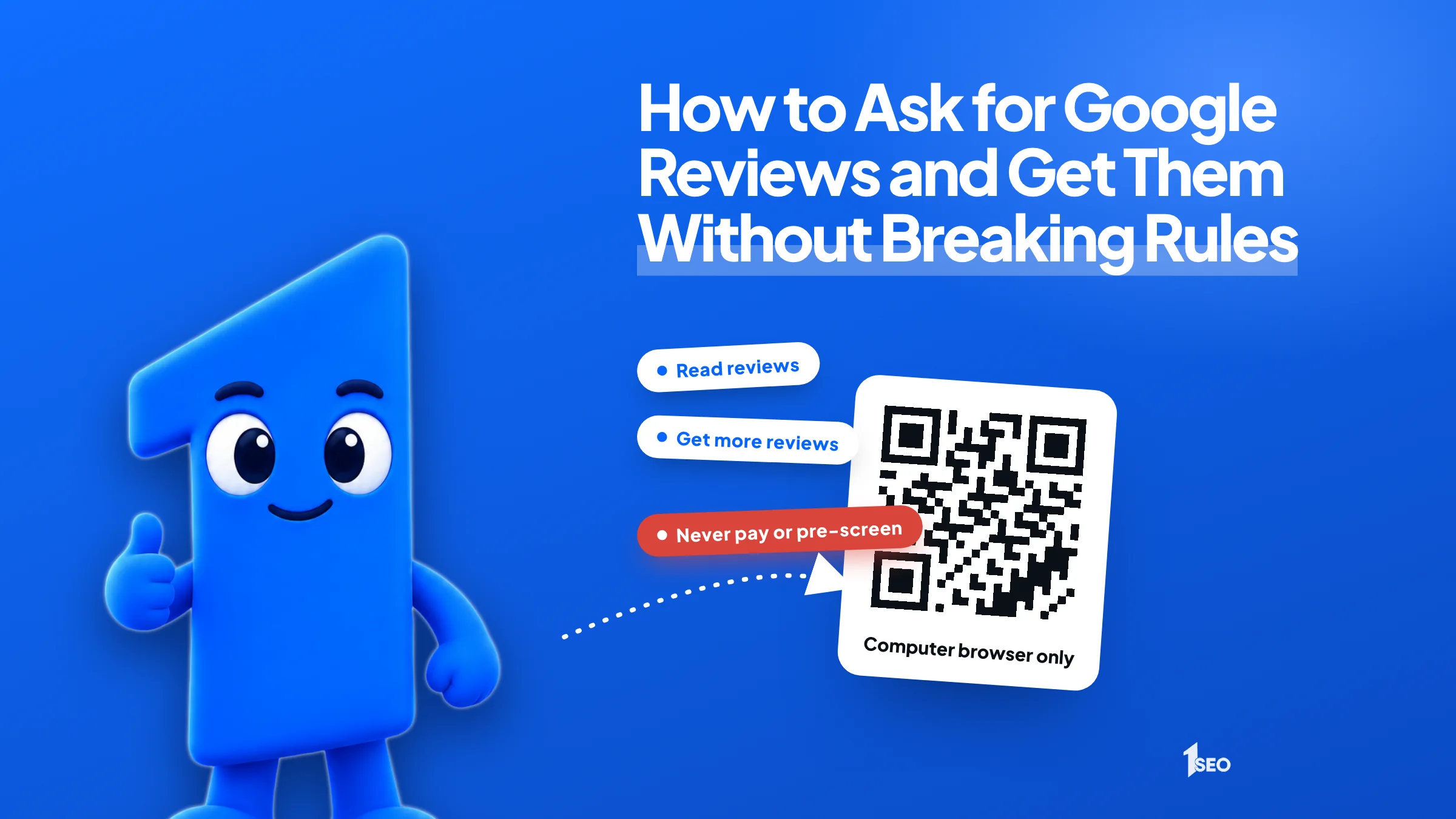
- Get your review link and QR code from Read reviews, then Get more reviews, in your Business Profile on a computer.
- Ask every customer, right after the job, in person, by text or by email. Never pay, reward or pre-screen anyone.
- Make it a routine: one person owns it, and the link sits in the last step of your process.
Many owners have happy customers and no simple system to ask them for a review. Customers mean to leave an online review, get busy, and never do it. The fix is simple: give them a direct link, ask at the right moment, and keep the ask short.
Picture someone searching at 9 p.m. with a flooded kitchen. When potential customers pick between two plumbers they have never met, star ratings and review counts are often what they look at.
Good review requests are short, specific and easy to act on. This guide shows where to find your review link and QR code, when to ask, what to say in person, by text and by email, how many reviews you need, and the Google rules that can get reviews removed.
01.Get your Google review link and QR code first
Sign in at business.google.com on a computer and open your Business Profile. Select Read reviews, then Get more reviews (the share icon). Copy the link, or right-click the QR code and choose Save image as. Google says review QR codes can only be generated in a computer browser, not on a phone.
A QR code is a square barcode that a phone camera scans. The link usually opens the review box directly, so the customer does not have to search for you or hunt for a button.
Save the link in your phone notes and in your invoicing software. Print the QR code on a business card, a receipt, a truck decal or a small sign at the counter. You can share the link by email, text or QR code. Need a printable version fast? Our Google review QR code generator can help.

02.When to ask customers for reviews
Ask right after the customer has seen the result and said something positive: when the technician finishes, when the patient leaves, when the closing is done. The experience is fresh, and the review is quick if the link is already in their hands.
Different businesses have different peaks. A roofer should ask at the final walk-through, while the customer is looking at the finished roof. A dentist's front desk can ask at checkout. A restaurant can put the QR code on the check presenter. A lawyer or accountant may need to wait until the matter is resolved.
Follow up once. A text or email the same evening with the link, and a single reminder three or four days later, is plenty. A third message feels like pressure.

03.How to ask customers for reviews: scripts for in person, text and email
Requesting reviews works best when the message is short, personal and low pressure. Thank the customer first, say why a review helps, and make the next step one tap. Do not apologize for asking and do not hint at the rating you hope for.
The examples below use a made-up plumbing company. Swap in your own names and details.
In person: "Glad everything worked out, Jim. If you have a minute, a Google review helps neighbors find us. I will text you the link right now."
Text message: "Hi Jim, this is Carla from Ridge Plumbing. Thanks again for having us out today. If you can spare a minute, here is the link to share your experience on Google: [link]"
Reminder text, three or four days later: "Hi Jim, Carla again. No pressure at all. If you still have a minute, here is the review link: [link]. Thanks either way."
Email, subject line "Quick favor from Carla at Ridge Plumbing": "Hi Jim, thank you for choosing us for the water heater. If you were happy with the work, would you share a few words on Google? It only takes a moment: [link]. Thank you, Carla."
You can invite them to mention what you did. Never write the review for them and never suggest a star rating. Treat what customers say as feedback, good or bad.

04.Google's rules for asking for reviews
You may ask customers for reviews. You may not pay for them, reward them, ask only your happy customers, or write them yourself. Google can remove reviews that break these rules, and a federal rule now covers fake and bought reviews too.
Google's guidelines for Maps contributions say reviews "paid for, directly or in kind" are fake engagement and will be removed. It also bars businesses from offering incentives, "such as payment, discounts, free goods and/or services," for reviews, or in exchange for changing or removing one. And it bars businesses from discouraging negative reviews or "selectively" soliciting positive ones. People call that review gating. Asking is allowed: Google even provides a review link and QR code for it.
A common mistake is sending a private satisfaction survey first and sending the Google link only to people who answer five out of five. That filter is the selective solicitation the policy describes. Send the link to everyone, in the same way.
Google also treats content "based on a conflict of interest" as rating manipulation, and the policy says that can include current or former employment. Staff, family and business partners should not post reviews for you.
The Federal Trade Commission's Consumer Reviews and Testimonials Rule went into effect on October 21, 2024. It covers fake reviews, buying reviews, compensation tied to a particular sentiment, and review suppression, and courts can impose civil penalties for knowing violations. This is general information, not legal advice. Google's own rules are stricter on incentives than the FTC's, so follow Google's.
05.How many Google reviews do I need?
There is no magic number. A practical goal is to look at least as credible as the businesses you compete with, and to keep new reviews arriving. Check the top three competitors in your map results and aim to match them, then pass them.
Open Google Maps, search your main service and city, and note the review counts of the businesses above you. Say the leader has 120 and you have 15. If you would rather have a team handle it, see pricing or request a free local SEO audit. Your goal is a steady pace, such as four or five new reviews a month, not fifty in one week.
A sudden spike can look unnatural, and Google's policy lists "unusual volumes or patterns of review contributions" as rating manipulation when they suggest an attempt to manipulate a rating. Slow, regular, honest reviews are the safer path.
06.Make asking for reviews a routine, not a campaign
Assign one person, add the review link to the last step of your job process, and count new reviews once a month. One ask per completed job beats a quarterly push, and it keeps reviews arriving at a natural pace.
Write the ask into your closing checklist: the technician mentions it, the office sends the text, and the owner replies to every review. Our guide on how to respond to Google reviews covers that last part.
When you count, note the average rating and read any recurring complaints. Reviews are free market research. If three customers mention scheduling, fix scheduling. If you want help setting up the whole system alongside the rest of your profile, see our Google Business Profile management service.
Conclusion
Ichiban SEO helps local businesses across the United States set up the review link, the ask scripts and the reply routine as part of their Google Business Profile. Talk to us about your profile with a free local SEO audit.
Frequently asked questions
How do I ask for a review without sounding desperate?+
Can I give a discount in exchange for a Google review?+
Should I send customers a survey before the review link?+
Keep going
What to read next
The serviceGoogle Business Profile optimizationEvery field, category, photo and post set up to help you show up in the map pack.See the serviceSources & references
About the author
