
How to Respond to a Bad Google Review Without Making It Worse
Key takeaways
- Pause, thank the reviewer by name, name the problem they raised, say what you'll do, and offer one way to continue offline. Keep the reply short and calm.
- Post replies from your Business Profile. The reviewer is notified, and Google checks every reply against its content policies first.
- Health care providers covered by HIPAA shouldn't confirm that a reviewer is a patient or mention their care. Flag a review only when it breaks Google's policy.
Say a plumber in Tulsa opens her Business Profile and finds a one-star review. Her face gets hot, and she's tempted to fire back. How you respond to a bad Google review matters more than the review itself. A calm reply can earn trust. A sharp one can cost her jobs.
Your reply isn't really for the angry reviewer. It's for the next person, who may find you in Google Search or Maps while choosing between you and two other businesses. That reader wants to see someone calm, specific and willing to fix things.
This guide gives you a five-step method for any complaint, four reply examples, the exact way to post a reply, a caution for health care businesses, and the cases where you should flag a review instead of answering it. For a longer set of replies by situation, use our negative review response templates.
01.How to respond to a bad Google review in five steps
To respond to a bad Google review, pause before you write, greet the reviewer by name, name the specific problem, say what you'll do about it, and give one way to continue offline. Keep the reply short and calm. Write it for the next customer who reads it, not for the angry reviewer.
Step one is the pause. Write your first draft in a notes app, not in the reply box, and read it again an hour later. Anything defensive will stand out by then.
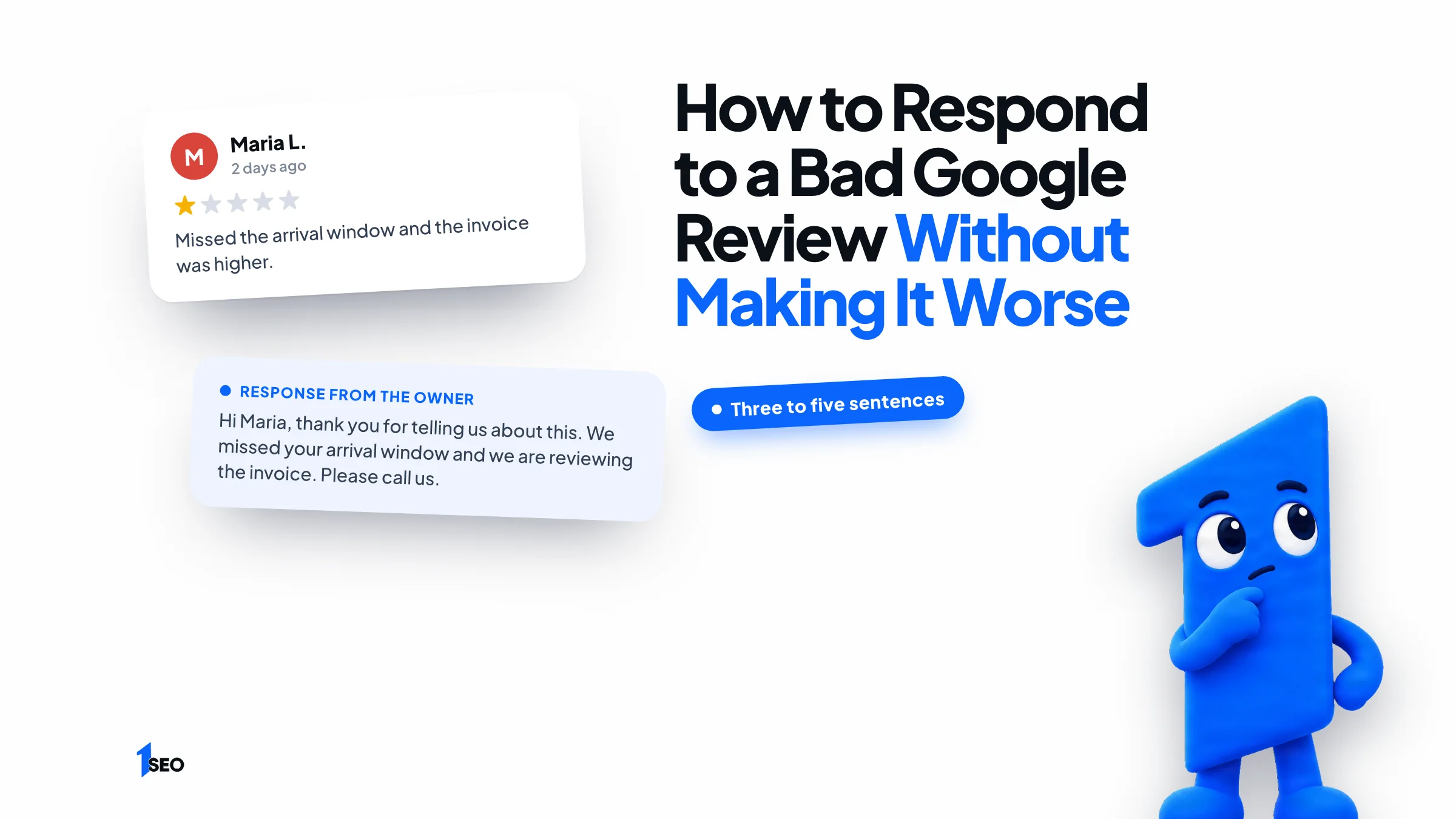
Step two is the greeting and thanks: "Hi Maria, thank you for telling us about this." Step three repeats only the problem they named, in a few words, such as the late arrival or the invoice total. Don't add details they didn't post. A generic apology reads like a form letter, and readers can tell.
Step four states your next move: you've talked to the technician, or you'd like the chance to redo the work. Step five gives a direct way to continue, usually a phone number or a first name plus an email address. Then stop.
As a rule of thumb, reply within a day or two. That's quick enough to show you pay attention and slow enough to stay calm. For a serious complaint, call the customer first if you have their number, then post a short public reply.
- Pause, then draft outside the reply box
- Thank the reviewer by first name
- Repeat only the problem they named, in a few words
- State what you'll do or have done
- Offer an offline way to finish the conversation

02.Bad Google review reply examples you can adapt
A good reply to a bad review runs three to five sentences: it names the problem, owns your part and offers one next step. Below are four you can adapt: late arrival, price complaint, real mistake, and no record of the job.
Late arrival: "Hi Derek, thank you for letting us know. You're right that we arrived late. That isn't the standard we want. Please call me at [phone] so I can find out what happened and make it right."
Price complaint: "Hi Lena, thanks for the feedback. I understand the final total felt higher than you expected. I'd like to walk through the invoice with you line by line. You can reach me at [email]."
A real mistake: "Hi Sam, you're right that the trim paint wasn't finished properly. We should have caught it before leaving. We'd like to come back this week and fix it at no charge. Call [phone] and ask for [name]." Only say this if it's true, and check with your insurer first if money is involved.
No record of the job: "Hi, we couldn't match this review to a job in our records and want to understand what happened. Please call [phone] or email [email] so we can look into it."
Notice what's missing: no anger, no long excuse, and no details the reviewer didn't post. For more situations, see the negative review response templates.

03.How to post your reply on Google
Go to your Business Profile, select Read reviews, select Reply next to the review, type your response and select Reply again. Google's help page says the reviewer is notified and that Google checks every reply against its content policies. Replies usually take up to 10 minutes to review, but sometimes up to 30 days.
You need a verified business before you can reply. If you can't see the Reply button, you probably lack owner or manager access to that profile, and that needs fixing first.
An approved reply appears publicly under the review as if your business wrote it, and your personal name isn't shown. If a reply isn't approved, Google asks you to edit it. To change a live reply, select Edit under it, change the text and select Update. Select Delete to remove it.
Customers can change their review after reading your reply, and the review date updates if they do. Google doesn't promise a better rating, so treat any change as a bonus.

04.What never to say when responding to negative Google reviews
Don't argue, blame the customer, share private details, or offer anything in exchange for a changed review. Google's contribution policy bars merchants from offering incentives, such as payment, discounts, free goods or services, in exchange for posting a review or for revising or removing a negative one. Fix the problem privately and let the customer decide.
Never reveal anything the reviewer didn't already post, such as an address, account details, payment information or the date of service. Repeat only the problem they named, in a few words. The same policy says not to distribute or post personal information without consent, and your reply is checked against it too.
Don't paste one identical apology under every complaint. Readers scroll through your replies, and repeated wording looks like you stopped caring. Change the opening sentence and the specific detail every time. Our guide to Google's review policy covers the full rules.
05.Health care businesses: reply without confirming a patient
If you're a health care provider covered by HIPAA, don't confirm in public that a reviewer is a patient, and never mention their care. The U.S. Department of Health and Human Services has settled cases with practices that did exactly that. Answer in general terms and move the conversation to a private channel.
In June 2023, HHS announced a $30,000 settlement with Manasa Health Center, a New Jersey psychiatric practice. Its Office for Civil Rights said the practice's replies to negative online reviews disclosed patients' diagnosis and treatment details. HHS also required a two-year corrective action plan. See the HHS announcement.
In 2019, HHS settled with a Dallas dental practice for $10,000 after replies to Yelp reviews disclosed patients' health information. Read the HHS summary.
A safe pattern is a reply that neither confirms nor denies that the person is a patient: "We take every concern seriously and want to hear from you. Our policy isn't to discuss any individual's care in a public forum. Please contact our office manager at [phone] so we can listen." Whether HIPAA covers your practice depends on how you operate. HHS has a page to check if you are a covered entity. This is general information, not legal advice, so ask your attorney or compliance officer before you set a policy. If you run a dental or therapy practice, see our local SEO pages for dentists and therapists.
06.When to flag a bad review instead of replying
Flag a review only when it breaks Google's content policy, such as fake engagement, a conflict of interest, harassment or personal information. A harsh review from a real customer stays up. Google says only reviews that violate its policies are eligible for removal, and a report typically takes several days to evaluate.
Reviews from people who were never your customers, from a former employee or a competitor, or that contain private details are candidates. Google's path is the Reviews Management Tool: pick your business, choose to report a new review, click Report next to it, pick a reason and submit.
If Google finds no violation, you can submit a one-time appeal. You can still reply while the report is pending. Keep it calm and factual, like the "no record of the job" example above.
The full process, with evidence tips, is in our guide on how to remove Google reviews.
07.How to respond to positive Google reviews
Thank the reviewer by first name, mention one detail from the review, and keep it to two or three sentences. Google says positive reviews and helpful replies can help your business stand out. Skip promotions and keyword stuffing, and write the way you'd speak to the customer at the counter.
A reply like "Thanks, Maria! Glad the new water heater was in before the weekend" usually reads better than "Thank you for your 5-star review." It shows you read the review and quietly repeats what you do.
If you want more reviews to answer, our guide on how to get Google reviews covers the link, the timing and the rules.

Conclusion
Pick one review you've been avoiding and answer it today with the five steps above. If you'd rather have a team handle reviews and the rest of your profile, Ichiban SEO is a remote local SEO agency for US businesses. See our Google Business Profile management service, our local SEO packages, or request a free local SEO audit.
Frequently asked questions
Should I respond to every negative Google review?+
Does replying to Google reviews help local SEO?+
Can the reviewer change their review after I reply?+
How long does it take for my reply to appear?+
Can I edit or delete my reply later?+
Keep going
What to read next
The serviceGoogle Business Profile optimizationEvery field, category, photo and post set up to help you show up in the map pack.See the serviceSources & references
About the author
