
How to Rank Higher on Google Maps: Relevance, Distance and Prominence
Key takeaways
- Google says local results are mainly based on relevance, distance and prominence, and you cannot pay for a better position.
- Relevance: choose the primary category that matches your main service and fill in every profile field accurately.
- Prominence: collect real reviews, reply to them, add real photos and earn local links. Distance is mostly out of your hands, but you can keep your map pin and service area accurate.
Google says local results are mainly based on relevance, distance and prominence, and that there is no way to request or pay for a better local ranking. That sets the rules for how to rank higher on Google Maps: you work on the parts you control and accept the part you do not.
The actions below are sorted by factor. Some take an afternoon, others take months of steady work.
Nobody can promise you a position, because results change with each searcher's location. What you can do is remove the problems holding your profile back. To see what the map block itself is, read our guide to the Google map pack.
01.What decides your ranking on Google Maps
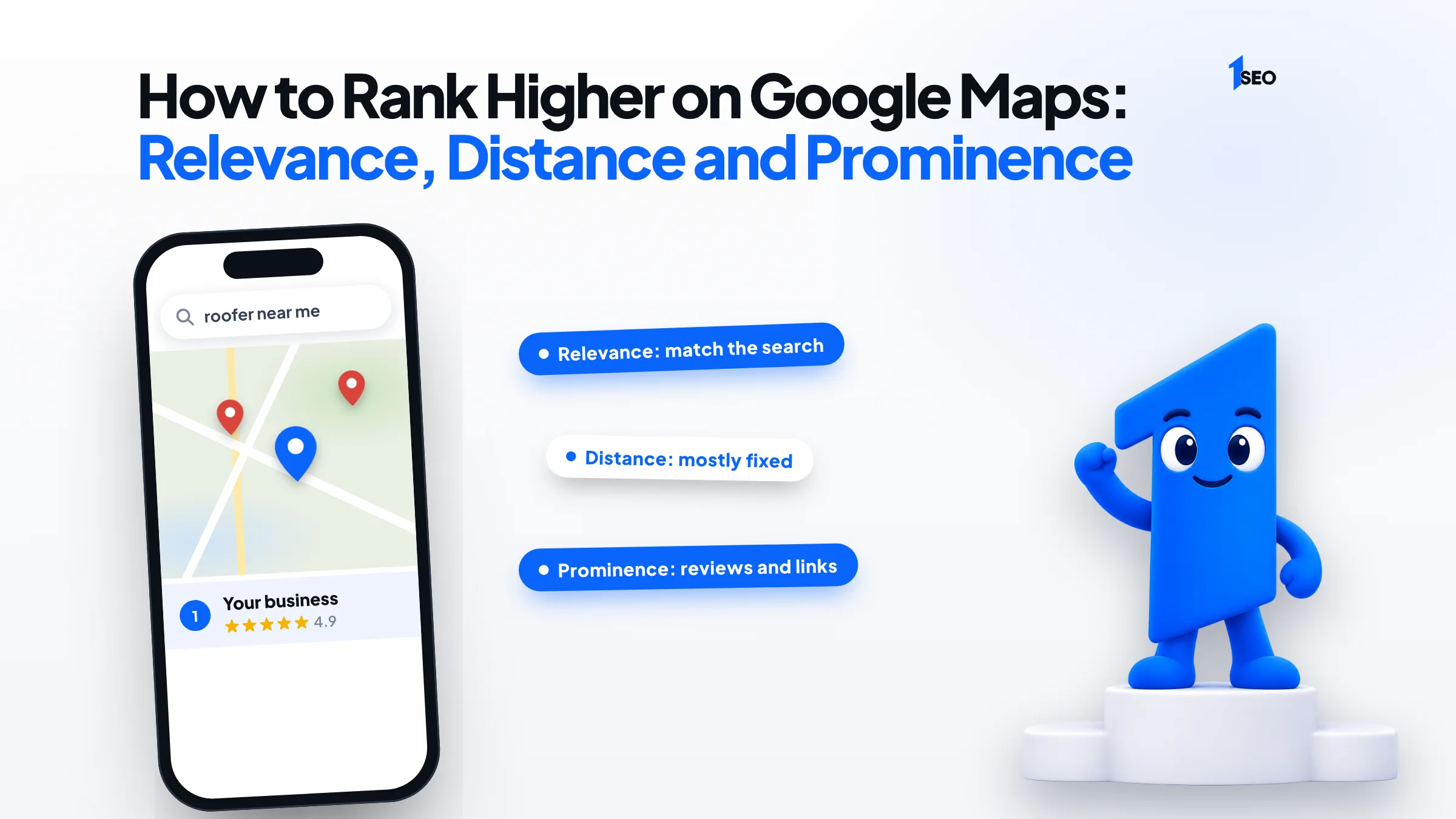
Three things decide where you appear: relevance, which is how well your profile matches the search; distance, which is how far you are from the searcher; and prominence, which is how well known your business is. You can improve relevance and prominence, but distance is mostly fixed. Google does not publish weights for each factor.
On its local ranking tips page, Google also asks you to verify your business and keep your information complete and accurate. It says businesses with complete and accurate info are more likely to show up in local search results.
Experts add detail Google does not publish. Whitespark's Local Search Ranking Factors report, published November 6, 2025, had 47 local SEO experts score 187 factors. For the local pack and Maps list, its top ten were the primary category, proximity of your address to the searcher, keywords in the business name, and a physical address in the city searched. Next came being open at the time of search, a high Google rating, an address showing on the profile, and additional categories. The last two were the quantity of Google reviews with text and correct map pin placement. That is expert opinion, not Google's formula.
Sorted by what you can do about each factor, the picture looks like this:
| Factor | What you control | Where it is covered below |
|---|---|---|
| Relevance | Category, services, details, website pages | Relevance section |
| Distance | Address accuracy and service area, not where searchers stand | Distance section |
| Prominence | Reviews, replies, photos, links, consistent listings | Prominence section |
02.Relevance: make your profile match the search
Relevance is how well a Business Profile matches what someone is searching for, and Google says complete, detailed information helps it match you. Start with a primary category that fits your main service, then fill in hours, attributes and services. Keep your business name exactly as customers know it in the real world.
Pick the category that matches your main service. The primary category ranked first in Whitespark's list. Google advises choosing the fewest categories it takes to describe your core business. Say a plumbing company earns most of its money clearing drains but lists a plumbing supply category first. That profile matches the wrong searches, and the primary category is the first thing to correct. Our guide to Google Business Profile categories shows how to choose.
Fill in every field you can. Google lists your full address if customers can visit, business hours including special hours, and your category.
Leave keywords out of the name. Whitespark's experts rank keywords in the business title third, yet Google's guidelines say your name should reflect your real-world name, and that unnecessary information could result in suspension. The risk is not worth the gain.
Give each core service a page. The website link in your profile should land on a page that answers what the customer searched, with your process, the areas you serve and a clear way to call. Our on-page local SEO service builds those pages.
To check every field in one pass, use the Google Business Profile optimization checklist.

03.Distance: what you can and cannot change
Distance is how far each business is from the person searching. You cannot move closer to every customer. You can make sure your address or service area is accurate, and accept that the same search shows different businesses from different spots.
Say a roofer in Tulsa has an office on the south side. A homeowner searching from the north side may see a closer roofer ahead of you. Distance is why one check from your own office tells you very little.
Two things are in your hands. First, accuracy: put the map pin on your real entrance and keep your address correct. Whitespark's experts put a physical address in the city searched and proper pin placement in their top ten.
Second, how you describe where you work. Under Google's guidelines, a service-area business should hide its address and set a service area that does not extend farther than about 2 hours of driving time from where the business is based. A virtual office, meaning a rented mailing address where you do not operate, is not eligible for a Business Profile.
If you run a service business from home, hiding the address is the right call. If customers visit you, show it.

04.Prominence: reviews, links and being well known
Prominence is how well known a business is. Google says it draws on information such as how many websites link to you and how many reviews you have, and that more reviews and positive ratings can help your local ranking. Ask real customers for reviews, answer them, add real photos, and earn mentions from local sites.
Ask for reviews the right way. Google suggests sending customers a link or QR code to your review page, and its review tips say offering incentives such as discounts for reviews is strictly prohibited. Its contributed content policy also bars merchants from selectively soliciting positive reviews, so ask every customer. Whitespark's experts put a high rating and the quantity of reviews with text in their top ten. For scripts and timing, see how to get Google reviews.
Reply to reviews. Google says replies show you value feedback and that positive reviews and helpful replies can help you stand out. Keep them short and conversational, not promotional, and answer a complaint calmly.
Add real photos and videos. Google lists them among its tips for a stronger profile. Show your team, vehicles, storefront and finished work.
Earn local links and mentions. Join the chamber of commerce, sponsor a youth team, or ask suppliers and partners to list you. Look for links from organizations that already know you. Our local link building service handles this work.
Keep listings consistent. If your suite number or phone number differs from one directory to the next, correct it. The guide to NAP consistency explains how to find the mismatches. NAP stands for name, address and phone number.
05.Mistakes that stop a profile from rising
Five problems can hold a profile back: a wrong primary category, extra keywords in the business name, a virtual office address, duplicate profiles and incentivized or fake reviews. Google's rules cover each one, and some can lead to a suspended profile. Fix these before you add anything new.
Google's guidelines and its policy on fake engagement cover each of these:
| Mistake | What Google says | Fix |
|---|---|---|
| Wrong primary category | Choose the fewest categories that describe your core business | Pick the category tied to your main service |
| Keywords in the name | Unnecessary information in the name is not permitted and could result in suspension | Use your real-world name |
| Virtual office address | A rented mailing address you do not operate from is not eligible | Use a real location or a service area |
| Duplicate profiles | One profile per business | Remove or merge the extra one |
| Incentivized or fake reviews | Offering incentives for reviews is prohibited | Ask real customers only |
If a review breaks Google's policies, you can report it for removal. See how to remove fake Google reviews.
06.How to tell whether your Google Maps ranking is improving
Track what the profile produces and where you appear. Google's performance report shows views, searches, directions, calls and website clicks for verified profiles. Pair it with a monthly check of your main searches from several spots around your service area, since a single check from your office shows only one location.
Open the performance data in your profile and set a date range, so you compare months rather than days. Google notes that some metrics may not apply to every business.
Then run your three or four main searches from a few neighborhoods in your service area and note where you appear each time. Grid-based rank trackers automate this, but a phone and a notebook work for a start.
If you would rather hand off the profile work, our Google Business Profile optimization covers every step above.

Conclusion
Ichiban SEO is a remote local SEO agency for US businesses. If you want a second opinion on where your profile stands, ask for a free local SEO audit, or see our local SEO packages.
Frequently asked questions
Can anyone guarantee a Google Maps position?+
What matters more, a high rating or more reviews?+
Do photos and review replies help me rank higher on Google Maps?+
What if a competitor ranks with fake reviews or a keyword-stuffed name?+
Keep going
What to read next
Sources & references
About the author
