
How to Remove Fake Google Reviews: Report, Appeal and What to Expect
Key takeaways
- Google removes a review only when it breaks a written content rule, such as fake engagement, off-topic content or personal information. Harsh or unfair is not enough.
- Report it from business.google.com: Read reviews, the report icon, a reason, then Send report. Evaluation typically takes several days.
- If Google finds no violation, the Reviews Management Tool allows one appeal for up to 10 reviews. Never pay for removal or offer a reward to make a review disappear.
You can't delete someone else's Google review yourself, but you can report it, and Google removes reviews that break its content rules. A review that is unfair, harsh or one star isn't a violation. A review on Google Maps from someone who never used your business can be.
The outcome is never certain and the wait can run several days, so preparation matters. Below are the menu steps, how to check the status, how to appeal once if the answer is no, and what to do with the reviews Google won't remove.
01.Which reviews Google will actually remove
Google removes a review only when it breaks a written content rule. Fake engagement, conflicts of interest, off-topic rants, offensive language, personal information, links and repeated posts all count. A review that is harsh, unfair or just one star does not qualify, because Google does not referee disputes between businesses and customers.
Google's contribution policy names the categories. Fake Engagement covers reviews not based on a real experience, paid or incentivized reviews, and one person posting from several accounts. Rating Manipulation covers unusual posting patterns and conflicts of interest. Other categories include off-topic content, contact details or links, repeated content, personal information, hate speech, profanity and unsubstantiated allegations of wrongdoing. Google's help page calls these inappropriate reviews.
Say a plumber in Tulsa gets a one-star review for a roof repair she never offered. That reviewer never had an experience with her business, so the review is a strong candidate. So is a bad review posted by a competitor trying to sink her rating. A customer who is angry about a late arrival is different. That review stays, even if it is unfair. Google's help page says plainly that reviews you simply disagree with are not eligible.
For the full list of rules with examples, read our Google review policy guide.

02.How to remove fake Google reviews: report them step by step
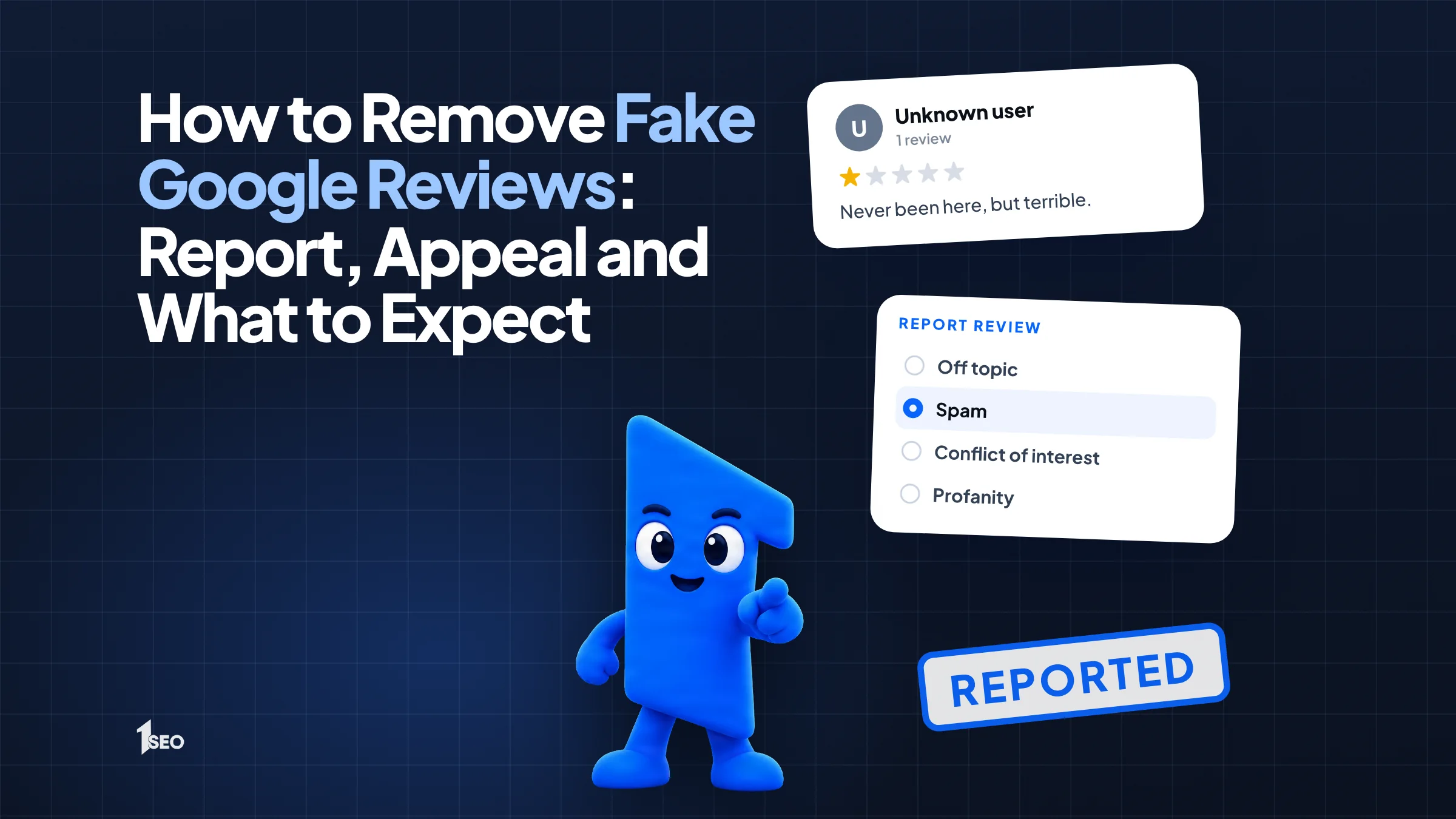
Go to business.google.com, select Read reviews, select the report icon next to the review, choose a reason such as Spam or Profanity, and select Send report. Google then evaluates the review, which typically takes several days. The Reviews Management Tool does the same job and also tracks the status.
These are the steps in Google's help page:
- Go to your Business Profile at business.google.com.
- Select Read reviews.
- Next to the review, select the report icon.
- Choose a reason.
- Select Send report.
The other route is the Reviews Management Tool. Confirm the email linked to your profile (or select Switch account), select your business, then select Continue, Report a new review for removal and Continue again. Select Report next to the review, choose a reason in the new tab and select Submit.
Choose the reason that matches the rule the review breaks. A review from someone who never used your business fits Fake Engagement better than a general complaint. Report each review on its own, and screenshot the review, the reviewer's name and the date first, so you have a record if the review changes.
03.How to check the status and appeal a rejected report
Open the Reviews Management Tool, confirm your account, choose your business, then select Check the status of a review I reported previously and appeal options. If the status says Report reviewed - no policy violation, you can send a one-time appeal for up to 10 reviews at once. Google sends the final decision by email.
Google lists three statuses in its help page. Decision pending means the review is flagged but not yet evaluated. Report reviewed - no policy violation means Google found no violation, and you can appeal once. Escalated - check your email for updates means the appeal was escalated, and the email carries the final decision.
To appeal, open the status screen and select Appeal eligible reviews at the bottom. Select the reviews, then Continue and Submit an appeal. Complete the form in the new tab and select Submit. If the review violates policy, Google removes it. If it complies, it stays live.
Because the appeal happens once, use the form for what the first report did not say: which rule the review breaks, why the person was not a customer, and the date. Do not file the same appeal twice.
04.What you cannot remove, and what to do instead
You cannot remove a review just because it is negative or unfair. Only policy violations qualify. For a real customer with a real complaint, reply in public and fix the problem. The reviewer is notified when you reply, and Google says customers can still change their review after reading it.
Our guide on how to respond to a bad Google review covers the reply itself, with examples. Google's reply help page confirms the reviewer gets a notification and may update the review.
Do not offer a reward to make a review disappear. Google's contribution policy bars merchants from offering incentives such as payment, discounts or free goods and services in exchange for reviews, and FTC staff say that offering incentives to remove negative reviews could be an unfair practice under the FTC Act.
Legal threats carry risk too. The FTC's reviews rule, in effect since October 21, 2024, bars unfounded or groundless legal threats meant to stop a review or get one removed. If a review makes a false claim that is costing you real business, talk to an attorney before you write to the reviewer.

05.What does not work when you want a fake review gone
Paying a service to delete reviews, posting fake positive reviews, and reporting the same review again and again do not work. Google decides removals through its own evaluation and automated spam detection. Writing or buying fake reviews can also expose your business to civil penalties under the FTC's reviews rule.
Google's help page describes only its own report and appeal routes, so be skeptical of anyone who promises a sure removal. The FTC rule says a business can be liable if it wrote fake reviews or bought reviews it knew or should have known were false, and courts can impose civil penalties for knowing violations.
Arguing with the reviewer in public does not help either. A short, factual reply plus one clean report does more than a long accusation.
06.How to catch fake reviews early
Monitor your online reviews every week, screenshot anything suspicious with the date and the reviewer's name, and report it right away. A steady flow of real reviews from happy customers is the best long-term cushion, because one unfair review matters less among many honest ones.
Our guide on how to get Google reviews shows how to ask customers in a way that follows Google's rules. If you want someone to watch your profile for you, Google Business Profile management covers ongoing upkeep.
Conclusion
Ichiban SEO doesn't handle review removals. We can keep your Google Business Profile in good shape so problems get spotted early. See our Google Business Profile management service, or book a free local SEO audit.
Frequently asked questions
Can I delete a fake Google review myself?+
How long does Google take to remove a reported review?+
Can I appeal if Google finds no violation?+
Will Google remove a review just because it is negative?+
Can I sue someone over a fake Google review?+
Keep going
What to read next
The serviceGoogle Business Profile optimizationEvery field, category, photo and post set up to help you show up in the map pack.See the serviceSources & references
About the author
