
Google Reviews Not Showing? Why They Vanish and What You Can Do
Key takeaways
- New reviews are checked against Google's policies first, and that can take a few days.
- Reviews that vanish can be removed for policy violations or hit by a merge, a reinstatement or a pause on user content.
- Check the customer's account and link, then your own profile, then contact Google once.
When Google reviews are not showing on your profile, the cause is usually one of a few things: a policy check that has not finished, a profile merge, a reinstatement, a removal for breaking the rules, or a customer who never completed the post. Each one has a different fix, so identify the cause before you act.
A missing review feels personal. Say a roofer in Dallas loses a five-star review the week before a big bid. The cause is not always obvious, but you can narrow it down with the checks below.
Start with the customer, then your profile, then Google. For the full rules behind removals, see our guide to the Google review policy.
01.Why Google reviews are not showing yet
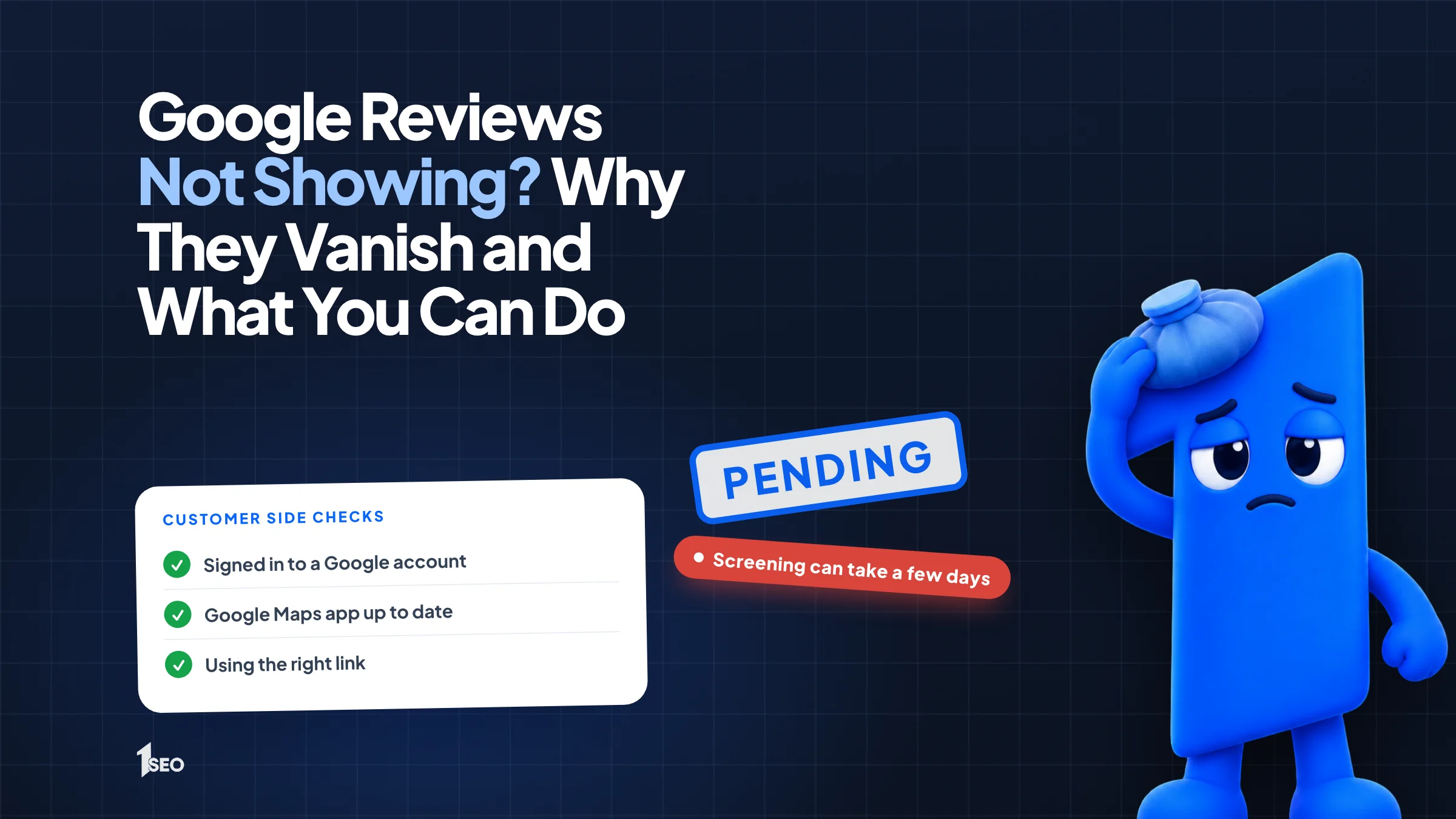
A new review is not always live right away. Google checks each one against its policies first, and that check can take a few days. If the review was posted this week, it may still be in review. If it is still missing after several days, move on to the other causes below.
Google says reviews are checked for policy compliance and that this process might take a few days in some cases. Ask the customer to open their own Google Maps contributions. If the review shows there but not on your profile, check again in a few days.
Do not ask the customer to post it again. Posting the same content multiple times is prohibited, so a second copy can create a new problem.
02.Why Google reviews keep disappearing after they appear
A review that was live and then vanished may have been removed for breaking Google's content rules. A profile merge, a reinstatement, a temporary pause on user content or a school-type category can also hide reviews. Google says reviews removed for policy violations will not be restored.
Google's contribution policy rules out reviews based on a conflict of interest, reviews posted because of an incentive from the business, reviews paid for, duplicates, and reviews that include phone numbers, email addresses or links. Reviews from staff, family or friends can fall under the conflict-of-interest rule.
The missing reviews help page lists other causes. Reviews can be removed after a profile is reinstated, and Google tells you to contact support in that case. If your profile was suspended, read our guide to a suspended Google Business Profile.
Google may also temporarily turn off user content, including reviews, for certain profiles or business categories. And reviews and ratings are removed and disabled for profiles primarily categorized as schools for students aged 6 to 18.
03.Reviews not posting: problems on the customer side
When a customer says their review will not post, start with their end. They must be signed in to a Google account, and an older phone or outdated Maps app can get in the way. Send them your direct review link so they land on the right listing instead of searching for you.
Google says customers must be signed in to a Google account to leave a review, and they can set one up with a non-Gmail email address. The missing reviews page adds that customers on older phones or apps may have trouble posting, and recommends updating the Maps app.
To get your link, open your profile on a computer, choose Read reviews, then Get more reviews, and copy the link. Google notes that review QR codes can only be generated in a computer browser, not on mobile. Our guide on how to get Google reviews covers how to ask without breaking the rules.

04.What to check on your own Business Profile
Make sure you are looking at the right profile, then ask whether anything changed there recently. A merge or a reinstatement can affect what shows, so check those first. Compare the date of any merge or reinstatement with the date your reviews went missing, and write both dates down.
Per Google, after merging Business Profiles, reviews from both can take a few days to appear on Search and Maps. If you merged a duplicate recently, wait before assuming anything was lost.
If you changed details lately, our guide to editing your Google Business Profile shows how to do it carefully. Write down the date of each change. That timeline helps you spot the cause and helps support when you write to them.
If the profile itself is hard to find in results, that is a separate problem. See Google Business Profile not showing.

05.How to contact Google about missing reviews
Use the Contact us option on Google's missing or delayed reviews help page, or post in the Help Community. Send one clear request with your business name and address, the approximate date of the review and the reviewer's name, plus a screenshot from the customer.
Ask the customer for a screenshot of the review on their own account before you write.
Send one request and keep the reference. Extra tickets for the same case add noise, not speed. If the review disappeared after a reinstatement, you are in the situation Google tells you to bring to support. For a removal under the rules, read our breakdown of Google's review policy before you write, so you know whether an appeal is realistic.
06.What not to do when Google reviews are not showing
Do not buy replacement reviews, offer a reward to anyone who posts again, or pressure customers to repost. The first two break Google's rules, and buying reviews can also break federal law. Fix the cause, ask honest customers once, and keep a simple log of the reviews you have.
Google's policy bans reviews that have been paid for, directly or in kind, or posted because of an incentive. The FTC's consumer reviews rule, in effect since October 21, 2024, can hold a business liable for buying reviews it knew or should have known were false.
Keep a plain log instead. Once a month, screenshot your reviews page and note the count. If a review vanishes, you will have the date and a clear story for support. Then keep a steady, honest flow of new reviews so one loss never defines your rating.
Conclusion
Work through the checks in order and you can usually pin down why a review is missing. Then contact Google once with clear details, and keep earning honest reviews. If you want a second pair of eyes on your profile, Ichiban SEO offers Google Business Profile management for local businesses across the United States.
Frequently asked questions
How long does it take for a Google review to show up?+
Why did my Google reviews disappear?+
Can Google restore a removed review?+
Why can my customer not post a Google review?+
Should I pay someone to get my reviews back?+
Keep going
What to read next
The serviceGoogle Business Profile optimizationEvery field, category, photo and post set up to help you show up in the map pack.See the serviceSources & references
About the author
