
Review Sites for Businesses: Where to Collect Reviews and Where to Skip
Key takeaways
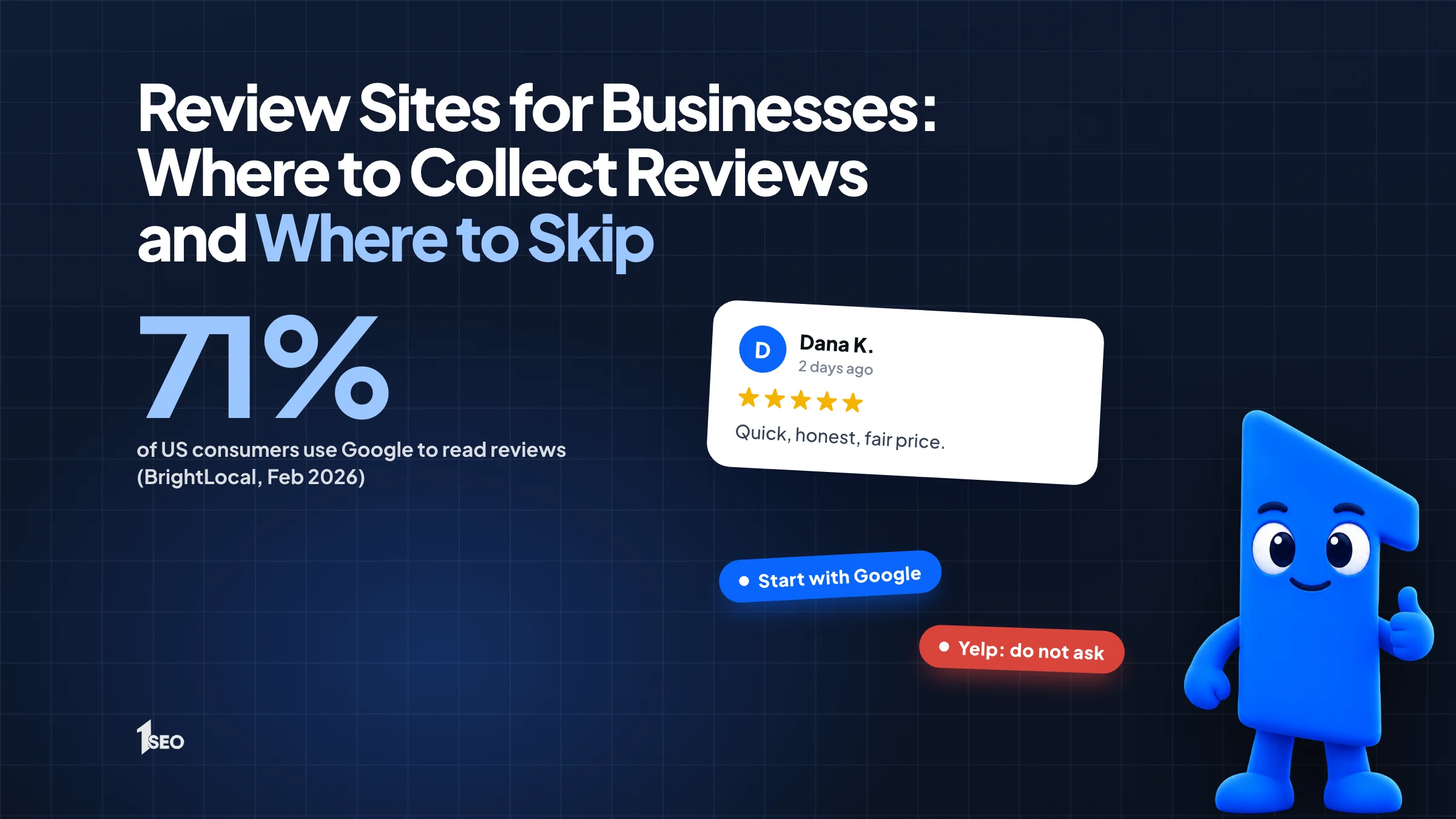
- Start with Google. In BrightLocal's February 2026 survey, 71% of US consumers said they use Google to read reviews, more than any other site.
- After Google, pick the one or two sites your own customers check, found by searching your service and city.
- Rules on asking differ by site. Google lets you ask. Yelp tells businesses not to. No site allows rewards for reviews.
The best review sites for businesses are the ones your customers read before they call you. For most local companies, that list starts with Google and stays short. A roofer in Columbus does not need a profile on twelve platforms. He needs a strong Google profile, a clean listing on the one or two other sites his buyers check, and evenings free for the job.
The catch is that every platform has its own rules about asking for reviews. Google lets you ask. Yelp tells you not to. Sending the same campaign everywhere can help on one site and hurt on another.
Online reviews shape your business reputation, because they build trust before anyone calls.
01.Google comes first, and the numbers show why
Google reviews show up next to your business in Maps and Search, right where customers compare you with competitors. BrightLocal's survey of 1,002 US consumers, published February 11, 2026, found 71% use Google to read reviews. Build your count, rating and recency there before anything else.
The same survey found that 97% of consumers read reviews for local businesses and 68% only use a business rated four stars or higher. Those two numbers explain why a thin Google profile costs you calls.
Google also gives you the most control. Its help page says you can ask customers to visit a Google link or scan a QR code, and you can reply publicly to every review. Google says customers must be signed into a Google Account to leave a review. Offering free or discounted goods or services in exchange for reviews is strictly prohibited.
Read our guide on how to get Google reviews and our Google review policy guide first. The free Google review QR code generator makes the link easy to hand out. Everything else on this list comes second.

02.How to pick the review sites worth your time after Google
After Google, choose the sites that appear when customers search for your service and city, the ones your competitors have profiles on, and any directory built for your profession. The right list is different for a dentist and a plumber, so check your own search before you choose.
Search your main service plus your city, such as "water heater repair Boise," and open the first page. Note which review sites show up as results or inside the map listings. Then search your own business name to see which profiles already show up.
Common candidates include Yelp, the Better Business Bureau, Facebook, Trustpilot, Angi for home services, Tripadvisor for hospitality, and directories for law, medicine or real estate. Treat each one as a claim-and-check task, not a campaign. Our list of US business listing sites helps you spot the ones worth a free profile.
Say a dentist in Tulsa has 40 Google reviews and none on Yelp. Her time is better spent asking every patient for a Google review than chasing Yelp reviews, because Yelp tells businesses not to ask. She still claims her Yelp page and replies to whatever shows up.
| Site | Asking for a review | Rewards for reviews | What to do |
|---|---|---|---|
| Google Business Profile | Allowed: share your review link or QR code | Prohibited | Ask every customer, reply to every review |
| Yelp | Asking may hurt your rating | No freebies, discounts or payment | Claim the page, reply, do not run a campaign |
| Better Business Bureau | Read its policy page first | Not accepted in any form | Claim the profile and reply calmly |
| Facebook, Trustpilot, Angi, Tripadvisor, directories | Rules vary by site | Check each site's terms | Read the site's terms before you ask anyone |
03.Yelp: the review site where asking can backfire
As of November 2026, Yelp's support center says proactively asking for reviews may hurt your rating, because its recommendation software may not recommend reviews that seem prompted or encouraged by the business. Claim your page and reply to reviews, but do not ask customers to post and do not run a review campaign.
Yelp's rules are broader than most owners expect. Its page says not to ask anyone to review your business, including customers, mailing list subscribers, friends and family. Staff should not compete to collect reviews. And you should not ask for a review after collecting feedback through a survey or contact form. Offering freebies, discounts or payment is also off limits.
Yelp says it may show a Consumer Alert on business pages when it learns of this activity.
A workable approach: claim the page, keep hours and photos accurate, reply politely, and let customers who already use Yelp post on their own. Never hand out Yelp links the way you hand out Google links.
04.Better Business Bureau: a trust check, not a review campaign
The Better Business Bureau is worth claiming if your customers spend real money on trust, such as contractors, movers or repair services. As of November 2026, its policy says BBB does not accept incentivized customer reviews in any form, and it opposes contracts that suppress feedback. Earn reviews honestly, answer what appears, and treat the profile as a trust check.
BBB's customer reviews policy page says businesses should not pay for, incentivize or plant reviews. It also warns that contracts used to ban, penalize or remove negative reviews are inconsistent with its Standards for Trust, and that accredited businesses may not use them at all. Its advice on negative feedback is short: respond, do not retaliate.
A fast, calm reply matters more than any attempt to get a review taken down.
For Facebook, Angi, Trustpilot and Tripadvisor, check whether a free business profile exists and claim it, then make sure your name, address and phone number match your Google profile. Our guide to NAP consistency shows how. Decide later whether any paid feature is worth it.

05.How to review local competitors and keep watch on your own reviews
Read the reviews of your top three competitors on each site you choose. Check your own new reviews once a week in one place. Customer feedback shows which promises to make on your website and which complaints to fix in your own operations.
When you review local competitors, you are not copying them. You are looking for patterns: customers complaining about unreturned calls, praising same-day service, or mentioning price surprises. Write down the top three praises and the top three complaints, then compare them with your own reviews.
For monitoring, pick one routine. Spend fifteen minutes each week across Google and the one or two other sites that matter, and reply the same day. A spreadsheet with the date, site, rating and whether you replied is enough for a small business. Our guide on how to respond to Google reviews covers the replies.

06.A simple plan for choosing review sites
Put most of your effort into Google, claim the two or three other sites where your customers actually look, reply everywhere, and follow each site's rules on asking. Review the list twice a year, because the sites buyers use for your trade can change.
- Finish your Google Business Profile, including categories and photos.
- Claim profiles on the other sites you found in your own search.
- Set one monthly review goal for Google, and none for sites that discourage asking.
- Check all profiles weekly and reply to every review.
If you would rather hand this off, our Google Business Profile management service covers review workflows alongside the rest of the profile.
Conclusion
Not sure where to focus your review effort? Ichiban SEO helps local businesses across the United States build their Google profile first and run the rest on a simple routine. Ask for a free local SEO audit and we will look at your current setup.
Frequently asked questions
What are the best review sites for businesses?+
Should I ask customers for reviews on Yelp?+
Are there free review sites for businesses?+
Do I need to be on every review site?+
Can I offer a discount for a review?+
Keep going
What to read next
The serviceGoogle Business Profile optimizationEvery field, category, photo and post set up to help you show up in the map pack.See the serviceSources & references
About the author
