
Review Monitoring for Local Businesses: Set It Up Today
Key takeaways
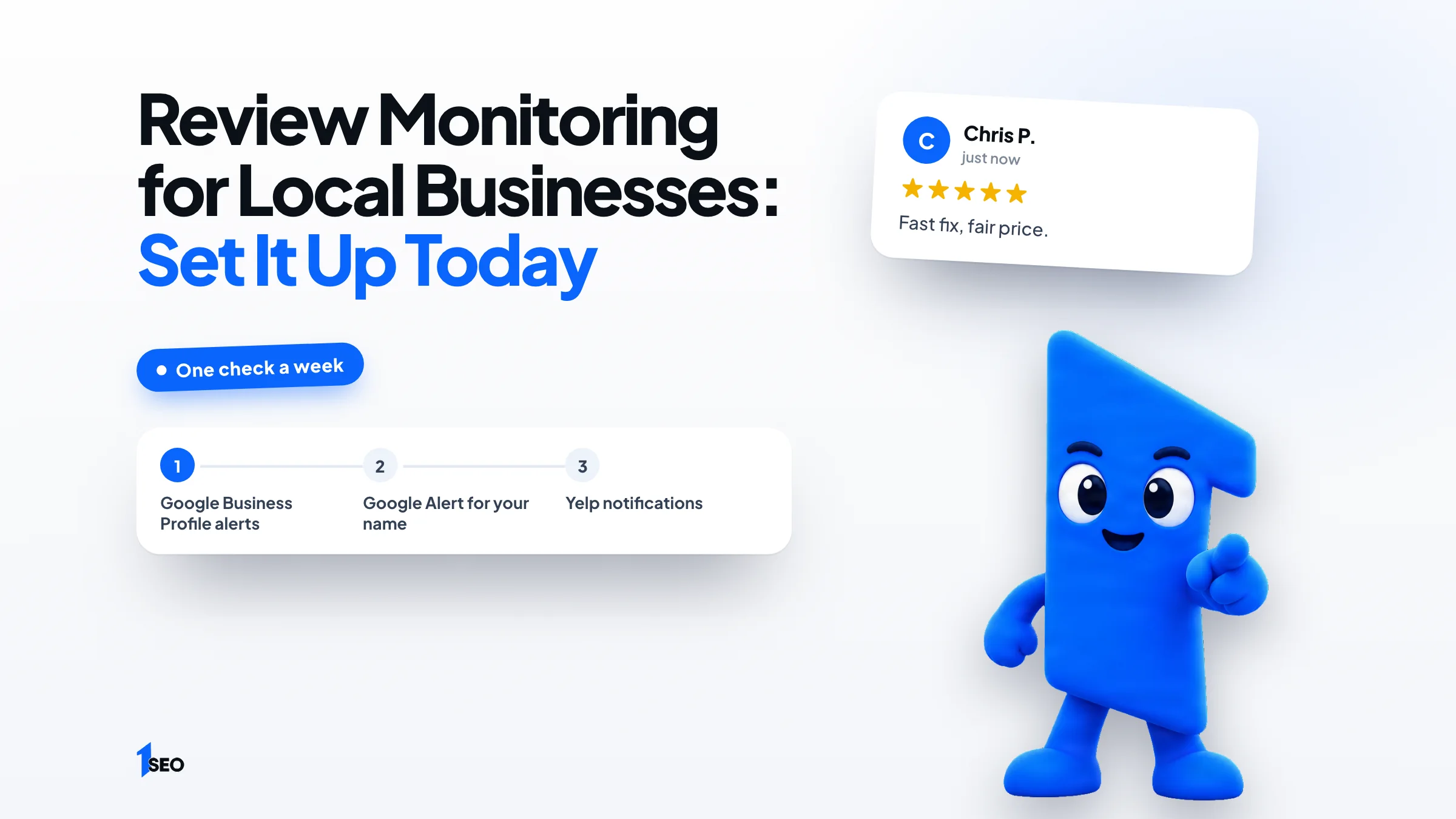
- Turn on three alerts: Google Business Profile notifications, a Google Alert for your business name and the Yelp notifications you want.
- Watch Google plus the one or two other sites that appear when customers search your service and city.
- Pay for a tool only when several locations or many sites outgrow a weekly check. Prices below are as of November 2026.
Say a plumber in Tulsa gets a one-star review on Friday night and doesn't see it until the following Thursday. By then, customers comparing plumbers may have read it, and nobody has answered. Review monitoring prevents that gap. It simply means finding out about new reviews as they land.
You don't need software to start. Google, Yelp and Google Alerts all offer notifications you can set up without software, and a short weekly check catches the rest.
This guide shows which sites to watch, how to set up free alerts, and when a paid tool earns its price. It ends with a weekly routine and a plan for fake or negative reviews. Replying and collecting reviews each have a dedicated guide, linked where they fit.
01.What review monitoring is and why a weekly check is enough
Review monitoring means knowing when a new review appears, on any site, and acting on it quickly. For a local business, that usually means free alerts from Google, Yelp and Google Alerts, plus one short check each week. Paid software can wait until the free setup stops keeping up.
Most consumers read local reviews. BrightLocal's Local Consumer Review Survey 2026 found that 97% of consumers read reviews for local businesses and that 74% look for reviews written in the last three months. A review you notice late is a review you answer late.
Monitoring is the watching part only. Answering, collecting and removing reviews each have their own guide, linked where they fit.
02.Which sites to watch for your trade
Watch Google first, then the one or two other sites that show up when customers search for your service and city. Add any site that already has a page for your business name. Everything else can wait until a customer or a competitor makes it relevant.
Say you run a roofing company in Columbus. Search "roof repair Columbus", then your own company name. Any review site that appears in both searches goes on your list. A short list you check every week is easier to keep than a long one.
Our guide to review sites for businesses explains what each major site allows, and the list of US business listing sites helps you claim free profiles. If you run a roofing company, a restaurant or a dental office, the same two searches apply.

03.How to set up free review alerts
Turn on Google Business Profile notifications, create a Google Alert for your business name, and set your Yelp notifications on its website. Together they cover Google, Yelp's notification options and a web search for your name, and they need no software. Set them up once, then confirm they arrive.
Google Business Profile. Google's help page says to open your Business Profile, select the More menu, then Notifications. Its Customer activity category sends "alerts when customers leave new reviews or add photos." You might get them by email, in Search or in Maps.
Google Alerts. On the Google Alerts help page, you enter a topic, select Show options, then Create Alert. Google emails you whenever it finds matching search results. The options let you set how often you get notifications, the types of sites and the region. Use your business name as the topic. If alerts go missing, Google says to check spam. It also says to add googlealerts-noreply@google.com to your contacts.
Yelp. Yelp's business help article says to open the Language & Notifications page of your business account, check the notifications you want and save. Email settings can't be changed from the app, only on the website. Yelp's page doesn't name a specific new-review alert, so check which options your account lists.
- Google Business Profile: More menu, Notifications
- Google Alerts: your business name, delivery set to your preference
- Yelp: Language & Notifications page on the website

04.When a paid review monitoring tool is worth it
A paid tool starts to make sense when you manage several locations, your reviews are spread over many sites, or nobody reliably checks them. As of November 2026, Reviewflowz lists $45 per location per month and BrightLocal's Grow plan lists $65 a month billed monthly.
Prices change, so confirm them on each company's page before you buy.
| Tool | Plan | Price as of November 2026 |
|---|---|---|
| Reviewflowz | Pro | $45 per location per month |
| Reviewflowz | Premium | $70 per location per month |
| BrightLocal | Grow, one location | $65 per month billed monthly, or $584 billed annually |
Reviewflowz bills per location, so the cost grows with each location you add.
For a one-location business with a few new reviews a month, the free alerts above are usually enough. Our roundup of best local SEO tools compares what else those platforms do.

05.A weekly review monitoring routine you can keep
Once a week, open Google first, then your one or two other sites, and read every new review. Mark each one: reply, fix something, report, or nothing. Put the same time on your calendar every week so the habit survives busy months.
Replying is covered in our guide on how to respond to Google reviews, with copy-ready negative review response templates. Keep the check itself short. Its job is to find reviews, not to write replies.
Use the check to spot patterns too. Three reviews that mention a late arrival tell you more than any one of them. If reviews are thin, our guide on how to get Google reviews covers asking. If one you saw has vanished or never appeared, see why Google reviews are not showing.
- Open Google, then each other site on your list
- Read every new review
- Reply to real customers within a day or two
- Note repeated complaints or praise
- Report only reviews that break a site's rules

06.What to do with a fake or negative review you spot
Reply to honest criticism from real customers. Report only reviews that break the site's written rules. Google and Yelp both say a report can take several days to evaluate, so keep monitoring while you wait and don't argue in public in the meantime.
Google's report page says only reviews that violate its policies are eligible for removal, and that you can send a one-time appeal if a report finds no violation. On Yelp, its help article says to find the review in the Reviews section of your business account, select More Options, then Report Review. Yelp emails you its decision.
A review you merely dislike stays. The full process, with what to gather first, is in our guide on how to remove Google reviews.
Conclusion
Pick today's task: turn on your Google Business Profile notifications and create one Google Alert for your business name. If you'd rather have a team watch your reviews and the rest of your profile, Ichiban SEO is a remote local SEO agency for US businesses. Start with our Google Business Profile management service. You can also compare our local SEO packages or request a free local SEO audit.
Frequently asked questions
What is review monitoring?+
How do I monitor Google reviews for free?+
Does Google Alerts catch every review?+
How often should I check my reviews?+
When should I pay for review monitoring software?+
Keep going
What to read next
The serviceGoogle Business Profile optimizationEvery field, category, photo and post set up to help you show up in the map pack.See the serviceSources & references
About the author
