
How to Claim Google Business Profile Listings: Every Scenario
Key takeaways
- Search your business first. Unverified means Claim this business. Verified by someone else means Request Access.
- After you request ownership, the current owner has 3 days to answer. Without an answer, you may be able to claim it yourself.
- Once you own the profile, add a second owner or manager so one lost login cannot lock you out.
How you claim a Google Business Profile depends on what Google already has for your business. An unverified listing is yours to claim and verify. A listing someone else verified needs an ownership request. If Google has no listing at all, you create one. Google says claiming costs nothing.
The common mistake is using the wrong path. When a former employee or web designer verified the listing, there is no Claim this business button, and building a second profile is the wrong fix.
This guide covers each case in order: finding your listing, claiming an unverified one, requesting ownership, waiting out a silent owner, untangling duplicates and locking down access once the profile is yours.
01.First, find out which case you are in
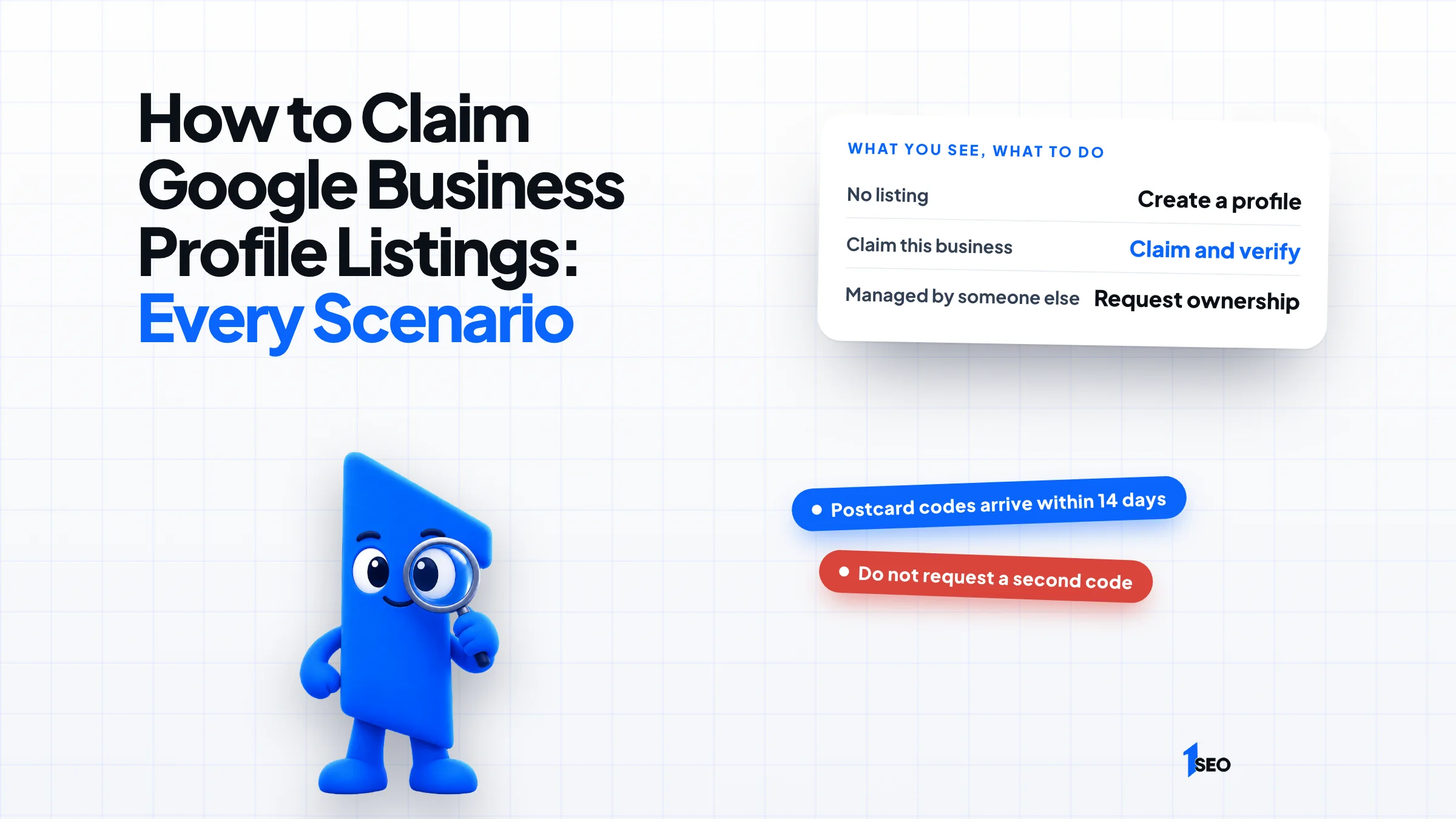
Search your business name and city while signed in to the Google Account you plan to use. No listing means you create a profile. A Claim this business button means the listing is unverified and you can claim it. A message saying someone else may manage the profile means you request ownership from that person.
Google tells owners to sign in to the Google Account tied to the profile when they look for it, then search the business name and city. That matters because an owner who cannot see Claim this business may already be the owner. Google's own tip says so in its ownership request guide.
| What you see | What it means | What to do |
|---|---|---|
| No listing | Google has no profile for your business | Create one with our guide to adding your business to Google Maps |
| Claim this business | The listing exists and is unverified | Claim it and verify it |
| Someone else may manage this Business Profile | Another account already verified it | Request ownership |

02.How to claim a Google Business Profile that is unverified
On a computer, open Google Maps, search your business name and city, select Claim this business, then Manage now. Pick a verification option and follow the on-screen steps. In the Google Maps app, open the listing, tap About, then Claim this business and Manage now. The steps come from Google's claim guide.
Claiming only starts the job. Google says you need to verify your business before you can edit its info, and that verifying gives you ownership of the profile. The options on screen vary by business. Postcard verification, for example, is not available to every business, so use whichever option Google offers you.
If you choose a postcard, do not edit the business name, address or category while it travels, because the code will stop working. Do not ask for a second code either, because Google then cancels the one in the mail. Google also says it will never ask you for your code, so keep it private.
03.How to request ownership of a profile someone else verified
Go to business.google.com/add, enter your business name and address and choose your business from the list. When Google says someone else may manage the profile, select Request Access, fill out the form and select Submit. Google emails you a confirmation, and the current owner has 3 days to respond, per its ownership request guide.
Say a plumber in Tulsa searches her company and finds a profile she never made. A web designer set it up years ago with a personal Gmail address. Claim this business is missing, so Request Access is her route. Creating a second profile would not fix anything.
Google says to request ownership only if you are authorized to manage the business.

04.What to do if the current owner does not respond
If three days pass without an answer, open the confirmation email Google sent you, select View request, then Verify, and follow the steps. You can also sign in to your Business Profile and look for a Claim or Verify button. Google says this option is not always available.
When the button is missing, the self-serve claim route is closed for now, so check your Business Profile again later.
Do not fill the wait by building a new profile. Google's guidelines say to not create more than one page for each location of your business, in a single account or in several.

05.If your claim runs into a duplicate or a lost login
Google allows only one Business Profile for each business, and a profile it treats as a duplicate does not show on Search or Maps. Duplicates happen when a verified profile already exists, when profiles share an address, or when one business has separate profiles for different services, according to Google's duplicate guide.
If you created a duplicate by mistake, Google lets you remove it. Check which profile you remove first, because removing a profile also removes its content and its linked managers.
If two profiles for the same business both exist on Maps, you can ask for a merge by reporting a suggestion in Google Maps. When profiles merge, their reviews combine, but replies to reviews may be lost.
If you cannot sign in to the account that verified the profile, Google points you to its Accounts troubleshooter to recover the username or password. If Google marked your business as a duplicate when two distinct, eligible businesses were merged, you can contact support to appeal. Businesses at the same location must show permanent signage for both.
A business that moved should update the address on its existing profile, not create a new one.
06.After you claim: add a second owner
Once the profile is yours, invite a second owner or manager so one lost login does not lock you out. In your Business Profile, open Business Profile settings, then People and access, select Add and follow the prompts. Each person needs their own Google Account, per Google's owners and managers guide.
The roles differ. Owners can add and remove users and delete the profile. Managers have almost the same access but cannot add or remove users or remove the profile. A profile can have several owners but only one primary owner, and handing over primary ownership later needs another owner or manager on the profile.
Give each person their own Google Account and an invitation, and remove them when they leave.
Then read what Google already shows on the listing. Our guide to editing a Google Business Profile walks through each field, and if the listing still does not appear to customers, see why a Google Business Profile is not showing.

Conclusion
Ichiban SEO handles ownership requests, duplicate cleanup and verification for local businesses across the United States, remotely. Send us the link to your listing through a free local SEO audit request, and we will tell you which path applies. Our Google Business Profile management service takes over the profile afterward.
Frequently asked questions
How long does verification take?+
What if the owner denies my request?+
Can I claim a service-area business with no shop or office?+
Can I create a new profile instead of claiming the old one?+
Keep going
What to read next
The serviceGoogle Business Profile optimizationEvery field, category, photo and post set up to help you show up in the map pack.See the serviceSources & references
About the author
