
Local Keywords: How to Find the Searches That Bring Customers
Key takeaways
- Local keywords are searches with a place, either named like dentist in Boise or implied like locksmith near me.
- Search Console, your Business Profile performance page and Keyword Planner show real wording for free.
- Sort keywords by intent, then give each one a single page and a single profile field.
Local keywords are the words people type or say when they want a business near them: plumber in Tulsa, emergency dentist open Sunday, roof repair near me. Finding the right ones tells you which pages to build, which categories to pick and what your profile should say.
Most owners guess. They choose the term they use in the trade, which is often not the one customers use. A homeowner searches for a leaking roof, not for roof remediation, and a patient searches for a tooth pulled, not for oral surgery. Guessing wrong means building pages nobody searches for.
This guide shows how to find local search keywords with free tools, how to sort them by what the searcher wants, and how to match each keyword to one page so your pages don't compete with each other.
01.What counts as local keywords
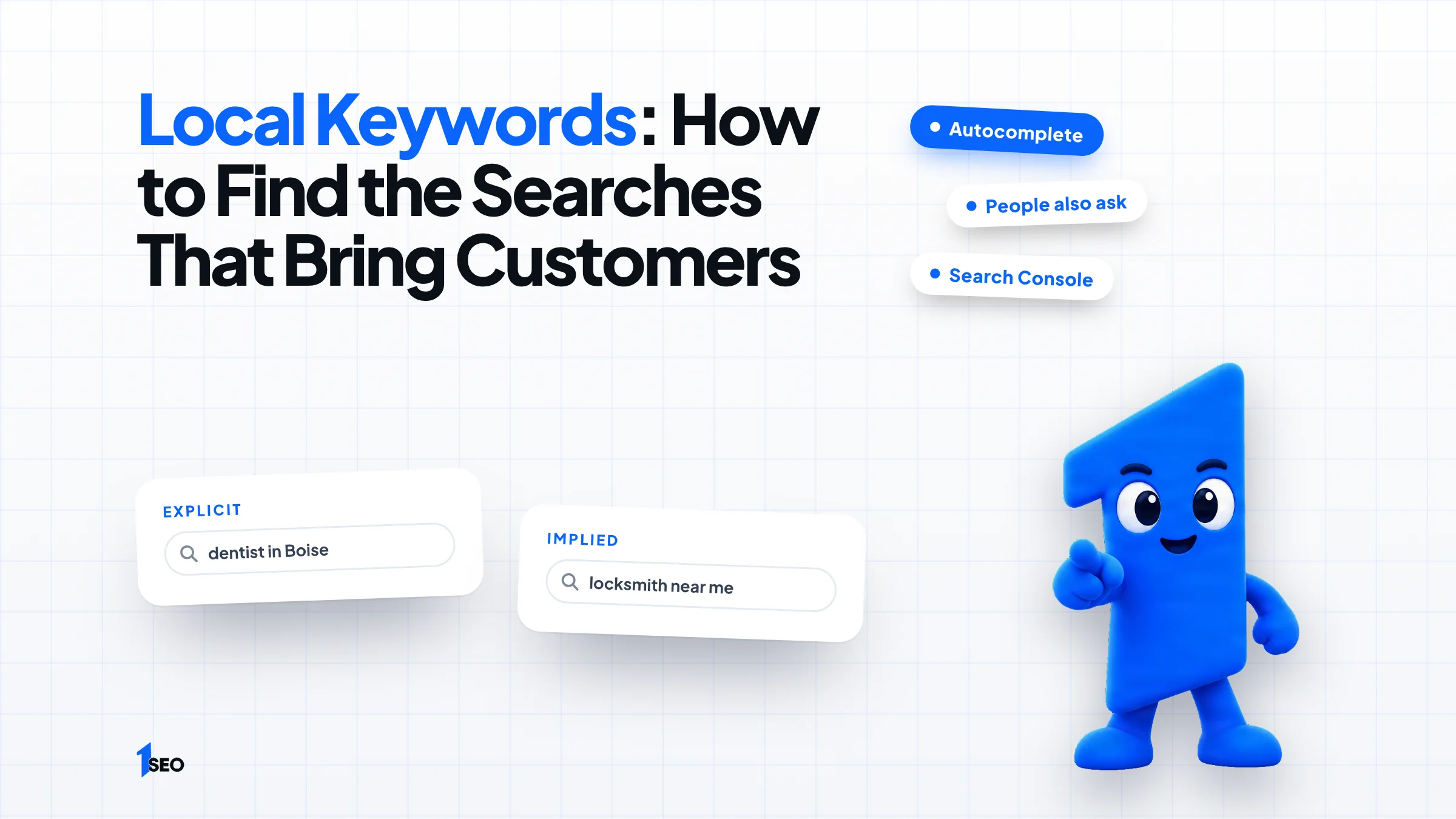
Local keywords are searches with a place attached, either named or implied. Named ones include a city, such as dentist in Boise. Implied ones, like locksmith or near me, leave Google to work out the location from where the searcher stands. Both kinds decide who shows up in map results and on your pages.
The named kind helps your website. A page built for roofing in Dallas can match that search directly. The implied kind is mostly won through your Google Business Profile, because the searcher never typed a city. Google says local results rest on relevance, distance and prominence, and defines relevance as "how well a Business Profile matches what someone is searching for."
That is why keyword choice and category choice go together. Whitespark's 2026 Local Search Ranking Factors survey, published in November 2025 with 47 local search experts, puts the primary Business Profile category first among map pack factors. Decide what you want to be known as before you collect a single keyword.

02.How to find local keywords step by step
Start with your services and your cities, then expand with Google autocomplete, the related searches at the bottom of the results, People also ask, and the categories of the businesses already showing in the map results. Each source shows wording real customers use, so write down every variation you see.
Step 1: list every service you sell and every city or area you serve. Step 2: type each service into Google with and without a city and note the autocomplete suggestions. Repeat for each main city, since wording changes by place.
Step 3: scroll to related searches and People also ask. These show follow-up questions, which become page sections and FAQ entries. Step 4: open the three businesses in the map results for your search and read their primary and secondary categories and their service lists.
Step 5: ask your customers. When someone books, ask what they typed to find you. A handful of honest answers can show wording a spreadsheet misses.
- Autocomplete: service plus city, service plus near me
- Related searches and People also ask for questions
- Map results: the categories and services of the top businesses
- Customer conversations for the exact words they use
03.Google tools that show real local search data
Three Google sources show real wording. Search Console lists the queries that already bring clicks to your site. Your Business Profile performance page lists the search terms people used to find your profile. Keyword Planner suggests new ideas from seed words or a website. Begin with the first two, because they show demand you already have.
Search Console. In the Performance report, Google explains that you open the Queries tab and sort by clicks, click-through rate or impressions. An impression, per Google's definition, means a user has seen or potentially seen a link to your site. A query with many impressions and few clicks points to a page that needs work.
Business Profile performance. The Searches metric reports "the search terms people used to find your business." Google updates it at the start of each month, shows it only for verified profiles and says you can't directly manage these queries. Treat it as a monthly read of how people already find you.
Keyword Planner. Inside Google Ads, Keyword Planner offers "Discover new keywords." You enter words related to your services, or a website, and Google suggests related keywords. Google's help page says basic features require finishing account setup, including billing information.

04.Sort local search keywords by what the searcher wants
Group keywords by intent. Emergency searches want a fast answer, such as locksmith open now. Comparison searches want proof, such as best roofer in Nashville. Information searches want advice, such as how much does a root canal cost. Each intent needs a different page or profile feature.
A person searching burst pipe needs a phone number in seconds, so that keyword belongs on a service page with a call button and on your profile. A person searching best med spa for facials is comparing, so reviews, photos and a clear services page win.
Informational searches such as how much does it cost to replace a garage door spring come from people who are not ready to buy yet. They tend to trust whoever answers honestly. That is where articles earn their place, and where you can explain your price ranges and how you work.
Do not assume volume equals value. A keyword searched twenty times a month by people ready to book can beat one searched two thousand times by researchers.
05.Map each keyword to one page, then place it
Give every main keyword one home: one page per service, one per city, one profile category. Put the keyword in the page title, the main heading, the first paragraph and the URL. Using one keyword on several pages makes those pages compete with each other and weakens all of them.
Build a short table with three columns: the keyword, the page that owns it and the profile element that supports it. Say a plumber in Tulsa maps four keywords like this:
| Keyword | Page that owns it | Profile element |
|---|---|---|
| emergency plumber Tulsa | Emergency plumbing page | Primary category Plumber, 24-hour hours set |
| water heater replacement | Water heater service page | Service listed in the profile |
| plumber Broken Arrow | Broken Arrow city page | Service area includes that city |
| how much does a plumber cost | Pricing article | Link from the profile website field |
If two keywords share one intent, such as roof repair and roof repairs, they usually share one page. If the intent differs, as with emergency roof repair and roof replacement cost, they get separate pages. Use the keyword where it fits naturally and use close variations in headings. Repeating the exact phrase in every sentence reads badly.
Once the map exists, the next job is writing the pages. Our guide to local SEO content covers what to publish, and our on-page local SEO service builds service and city pages.

06.Where local keywords go on your Google Business Profile
On the profile, local keywords belong in your categories, services and description, never in the business name. Google's guidelines for representing your business say your name should reflect your real-world name and that unnecessary information is not permitted. Pick the primary category first, then list services in the words customers use.
The same guidelines also say not to use categories solely as keywords. Choose the primary category that fits your main revenue and add only the secondary ones you truly serve. Our guide to Google Business Profile categories shows how to choose.
Then list each service with a sentence of detail, and write the description as a plain summary of what you do and where. Your own reviews are a good source of wording. When several customers write same-day air conditioner repair, that phrase deserves a service entry and a page.
07.Check, track and update your keywords
Review your keyword list every quarter. Compare which pages earn clicks, which searches reach your profile and which pages still own no keyword at all. Drop terms that bring nothing, and add the searches your customers now use, including new services and neighborhoods.
Plan around your busy season. Say a landscaper in Tulsa sells lawn aeration in the fall: the page for that service should be live and indexed weeks before customers start searching, not the week they do.
Keep a simple log with the date, the keyword, the page that owns it and the one change you made. When calls move, you will know what to credit, and when they don't, you will know what to try next.

Conclusion
Ichiban SEO is a remote local SEO agency for US businesses. If you'd rather not build the keyword and page map yourself, our Ascension plan at $497/mo includes local keyword research for your services and service area. See our plans and prices or get in touch.
Frequently asked questions
What are local keywords?+
How do I find local keywords for free?+
Can I put keywords in my Google Business Profile name?+
Do I need a different page for each city?+
How often should I update my local keyword list?+
Keep going
What to read next
The serviceLocal SEO auditA full review of your Google Business Profile, website and local competitors, with the fixes in priority order.See the serviceSources & references
About the author
