
How to Get the Google Guaranteed Badge, Now Google Verified
Key takeaways
- Google replaced the Google Guarantee badge, Google Screened and License Verified with one Google Verified badge.
- You earn it by joining Local Services Ads, linking a profile you manage and passing Google's screening.
- Local Services Ads charge per valid lead and stop when you stop paying, while local SEO builds visibility you keep.
If you searched for the Google Guarantee badge, here is the first thing to know: it no longer goes by that name. Google now issues one Google Verified badge to Local Services Ads advertisers who pass its screening and verification.
Local Services Ads are Google's pay-per-lead ads for local service businesses. They are separate from your free Google Business Profile listing and from organic local SEO.
This guide covers what changed, the steps and documents Google asks for, how leads are billed, and how the ads compare with local SEO.
01.What happened to the Google Guarantee badge
The Google Guarantee badge is now part of a single Google Verified badge. Google announced the change on August 20, 2025, saying the new badge replaces Google Guarantee, Google Screened, License Verified by Google and the Money Back Guarantee. New advertisers earn it by passing screening.
Google says the change does not affect Local Services Ads ranking.
Customers can still ask for reimbursement for services booked through Local Services Ads before December 7, 2025, if they ask within 30 days of the service. Reimbursement requests are tied to that earlier booking date.
So the badge is not a separate program you apply for. You get it by joining Local Services Ads and passing the screening.
02.How to get the Google Verified badge, step by step
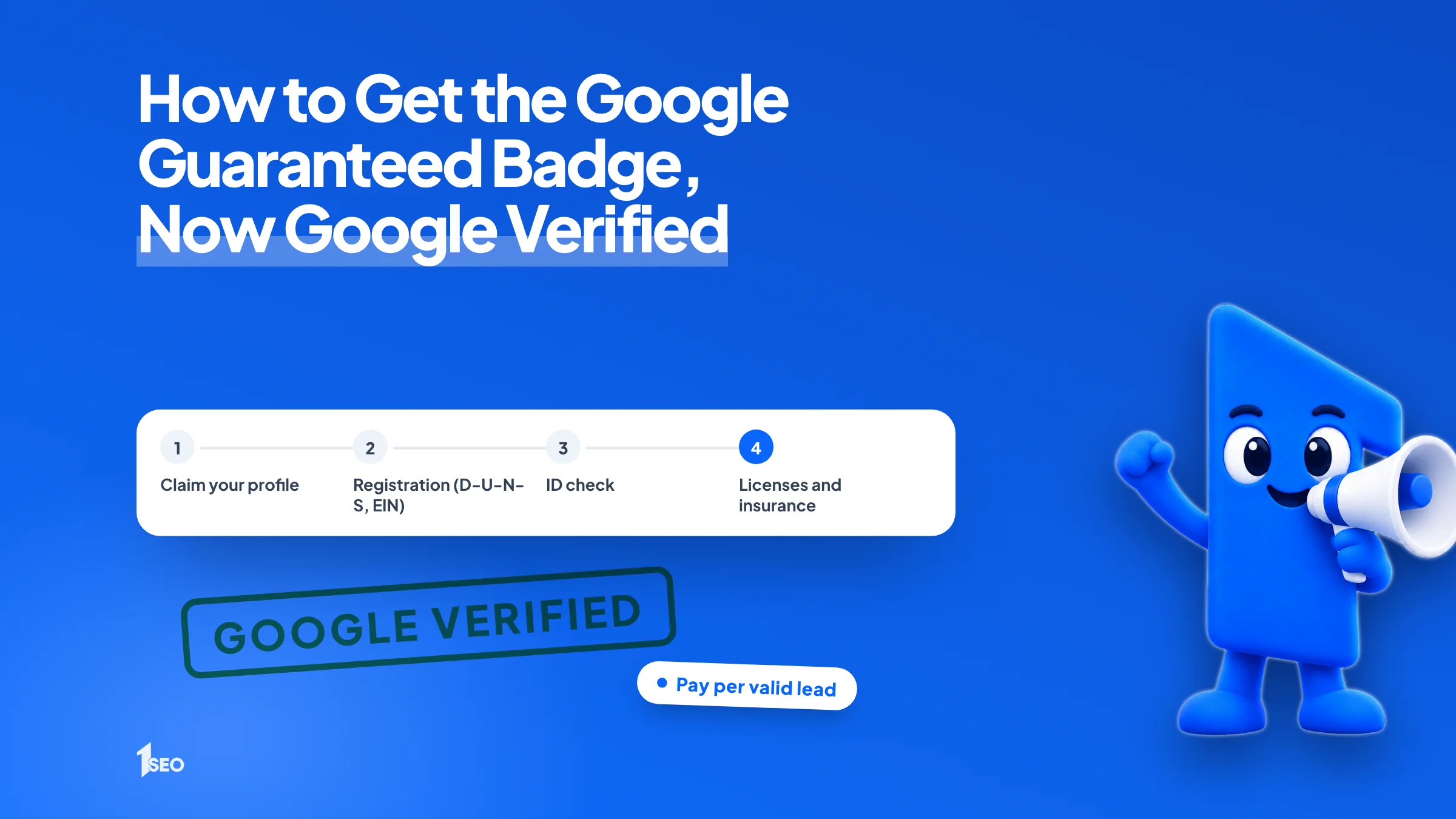
You earn the badge by signing up for Local Services Ads, matching your application to a Google Business Profile you own or manage, and passing Google's screening. Checks vary by category and location and can include business registration, identity, licenses, insurance and background checks. Google issues the Google Verified badge once you pass.
- Check what applies to you. Google's screening page says the process varies by business category and location, so start with your trade and your service area.
- Claim your Google Business Profile. The person completing the checks must be an owner or manager of the matched profile. Our guide to claiming your Google Business Profile walks through it.
- Prove your business is registered. In the US, Google checks registration through a D-U-N-S number. If you don't have one, it accepts alternatives such as Secretary of State registration or an IRS EIN. A new D-U-N-S application can take up to 30 days.
- Verify who you are. An identity check requires a clear, unexpired government-issued photo ID. Names must match exactly across your documents.
- Send licenses and insurance, then pass background checks. Send what your category requires and finish any background checks Google asks for. When everything passes, the badge is issued.
03.What Google checks before you can advertise
Google may check business registration, the representative's identity, county and city licenses, insurance, and background checks. Which checks apply to you depends on your category and location, so read the requirements for your trade before you start collecting documents, and expect them to differ from another trade's list.
The table sums up the main checks from Google's screening page.
| Check | What Google asks for | Where it goes wrong |
|---|---|---|
| Business registration | D-U-N-S number, or Secretary of State registration or EIN | D-U-N-S requests can take up to 30 days |
| Identity | Clear, unexpired government photo ID | Names that don't match your other documents |
| Licenses | Applicable county and city licenses, with licenses for each location you serve | A license that doesn't cover every location you serve |
| Insurance | An active certificate, valid for at least 14 days after you submit it | A certificate that expires too soon |
| Background checks | Required for select categories in the US and Canada, at no charge to the business | A failed check can mean a 30-day wait before you reapply |
After a second denial, the wait to reapply is 180 days.
Some advertisers are eligible for accelerated verification. They receive the badge first, then have 14 days to finish the remaining steps to keep their ads running.
Accounts that Google has moved into Google Ads work a little differently. Google's migration page says insurance and license reverification are no longer required after the move, and any future business-level checks show up as a notification.
04.How Local Services Ads charge for leads
Local Services Ads charge for valid leads. Valid leads include answered calls, messages and voicemails. What each lead costs depends on your location, job type, lead type and bidding mode. Google publishes no fixed price per lead, so cost depends on your category and city.
Google's lead rules have a few details worth knowing:
- A missed call counts only if the caller stays on the line more than 20 seconds during business hours.
- Once a lead is charged, follow-up calls or messages from that customer aren't charged again while there is interaction within 15 days.
- Google reassesses charged leads for 30 days and automatically credits poor-quality, duplicate or invalid ones. Credits are not available for health care verticals.
The price per lead is not the number that matters. Say a plumber in Tulsa pays $1,000 in a month for 20 valid leads and books 8 jobs. That is $50 per lead but $125 per booked job (illustrative numbers, not a Google price). Track the second number.
Google is also moving these campaigns into Google Ads as pay-per-lead Performance Max campaigns. As of November 2026, Google's migration page says a first phase began in August 2026 for select US advertisers, with a broader expansion later in 2026 and remaining categories in 2027. After the move, weekly budgets become daily averages, manual bidding is removed, and manual lead disputes are no longer supported.
05.Local Services Ads vs local SEO
Local Services Ads rent a position for as long as you fund them. Local SEO builds the organic visibility that comes from your Google Business Profile, reviews and website. Google says there is no way to pay for a better local ranking, so ads and local SEO are separate ways to show up.
Google's ranking page names three factors for local results: relevance, distance and prominence. Prominence means how well-known a business is.
| Local Services Ads | Local SEO | |
|---|---|---|
| Where you show | Ad positions on Google Search and Maps | The map pack, Maps and regular results |
| How you pay | Per valid lead | Monthly service fee or your own time, no per-lead charge |
| Entry requirement | Screening, verification, licenses and insurance where required | A claimed, accurate profile, reviews and useful pages |
| When you stop | Your ad stops showing | The profile, reviews and pages stay |
If you are weighing the two, compare cost per booked job from ads with the cost and return of organic work. Our guide to local SEO ROI shows how to calculate the organic side.

06.Why applications stall and how to avoid it
Check these before you apply: names that match across documents, a Google Business Profile you own, licenses, insurance and a D-U-N-S number. Gather every document first, make the names identical, and answer Google's follow-ups quickly. After a final disqualification, the wait to reapply is 30 days.
Before you start, put four names side by side: your legal business name, the name on your insurance, the name on your license and the name on your profile. Google requires that names and legal business names match exactly, or that a DBA document supports the difference.
- Claim the Google Business Profile before you apply.
- Start the D-U-N-S request early if you need one.
- Check that your insurance certificate will still be valid at least 14 days after you submit it.
- Answer Google's follow-up requests quickly.
Conclusion
Ads stop showing when the budget ends. A claimed, complete Google Business Profile and steady reviews stay in place after that. We do local SEO, not ads. If you want your profile reviewed, see our Google Business Profile optimization or ask for a free local SEO audit.
Frequently asked questions
Is the Google Guarantee badge still available?+
How much does the Google Verified badge cost?+
How long does it take to get verified?+
Do I need a Google Business Profile for Local Services Ads?+
Does the Google Verified badge help my organic rankings?+
Keep going
What to read next
The serviceGoogle Business Profile optimizationEvery field, category, photo and post set up to help you show up in the map pack.See the serviceSources & references
About the author
