
Local SEO Mistakes That Cost You Calls, and How to Fix Each One
Key takeaways
- Google's guidelines say your profile name should reflect your real-world business name, so keywords added to it break the rules.
- Choose the most specific primary category that represents your main business, and keep your name, address and phone number identical everywhere.
- Paid or rewarded reviews are banned by Google's policy. Reply to the honest ones you have, and use ads only as a short-term bridge.
The most expensive local SEO mistakes are quiet ones. Nothing breaks. Your phone just rings less than it should, because Google sees a profile that does not clearly match the search, or details that do not line up.
Most of them come from good intentions: adding a keyword to the business name, creating a second profile for another town, or buying a few reviews to get started. Each looks like a shortcut.
This list covers six mistakes, what Google's own rules say about each and how to fix them. It ends with the question owners ask when SEO feels slow: should you run Google Ads instead?
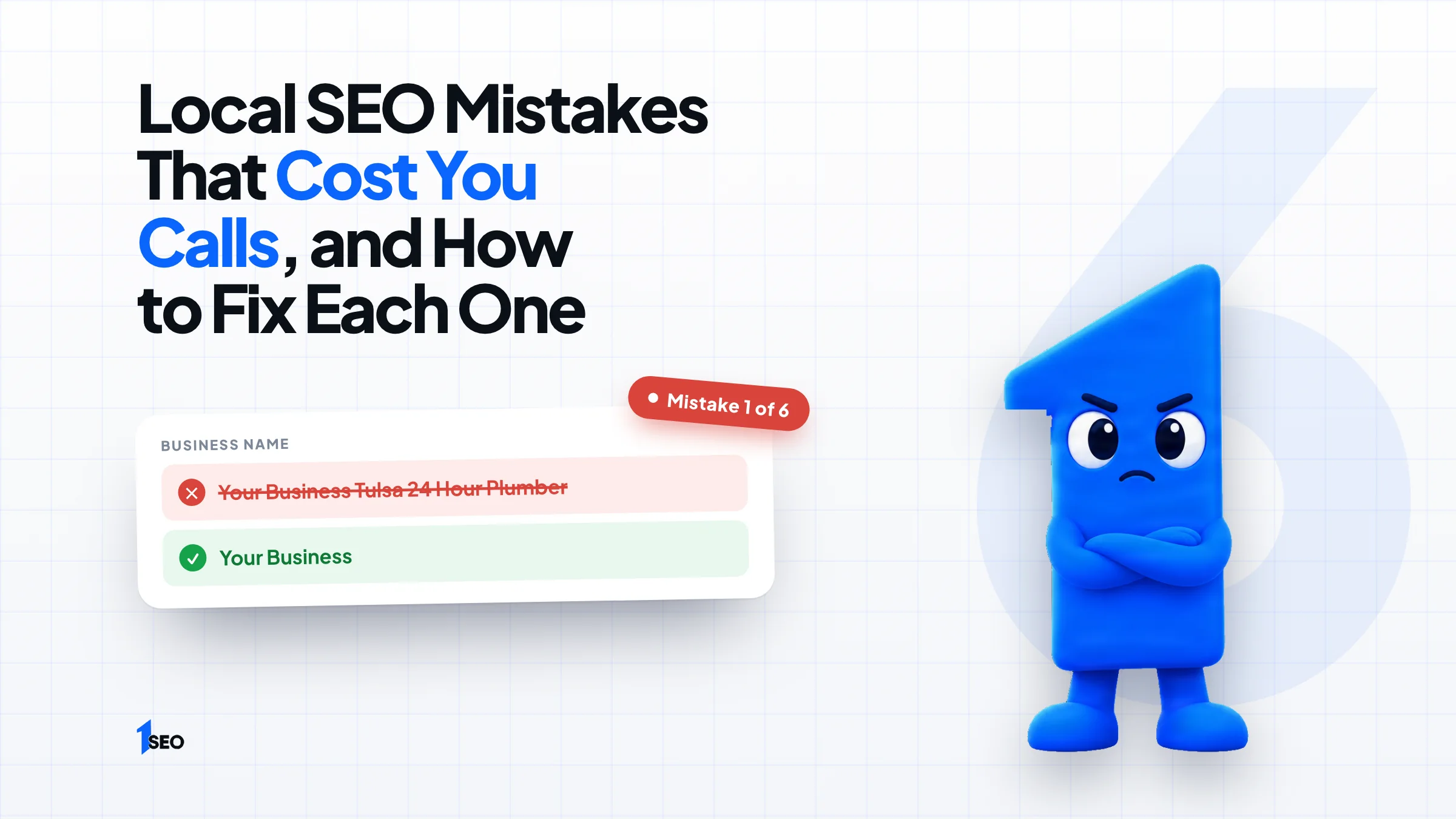
01.Mistake 1: stuffing keywords into your business name
Adding a city or a service to your Google Business Profile name breaks Google's rule that your name should reflect your business's real-world name. The same page says that unnecessary information in the name isn't permitted. Keep the name exactly as it appears on your sign, invoices and website.
The trick is tempting. Whitespark's 2026 local search ranking factors survey of 47 experts ranked keywords in the business title third among 187 factors for the map results. Say Smith Plumbing becomes Smith Plumbing Tulsa 24 Hour Emergency Plumber. Any gain rests on a rule you are breaking. If that has already happened, start with our guide to a suspended Google Business Profile.
The fix is to change the name back. Put your keywords where they belong: categories, services and the description. If a word is part of your legal name or your signage, it can stay.

02.Mistake 2: choosing the wrong primary category
Your primary category tells Google what your business mainly is. Whitespark's 2026 survey of 47 experts ranked it first among 187 factors for map results. Google advises choosing categories that are as specific as possible, but representative of your main business, so a roofer should not lead with a general contractor category.
Look at where your money comes from. Say a Tulsa company earns most of its revenue from roof replacement. It should lead with a roofing category, then add gutters or siding only if it really offers them. Google also asks you to choose the fewest categories it takes to describe your core business, so skip any service you do not provide.
Then search the phrase you want to win and check which categories the top three map results use. Yours do not have to match, but a big gap is a clue. Our guide to Google Business Profile categories shows how to pick and change them.
03.Mistake 3: inconsistent name, address and phone number
When your business name, address or phone number differs between your website, your Google profile and online directories, customers and search engines see conflicting details. Pick one exact format, check every listing against it, and fix the oldest listings first. Our guide to NAP consistency goes deeper.
The usual culprits are an old phone number on a directory you forgot about, Suite on one listing and Ste or Unit on another, and a tracking number that quietly replaced the real one. Build a master sheet with the exact name, address and phone, then compare each listing to it.
If you use call tracking, keep your real main number on your profile and on directories, and use the tracking number only where a second line is allowed.
04.Mistake 4: duplicate profiles and virtual addresses
Google's guidelines say not to create more than one page for each location of your business, and that P.O. boxes or mailboxes at remote locations are not acceptable. Duplicate profiles usually appear after a move, a rebrand or a new owner, and the fix is to update the existing profile instead of creating a new one.
If extras already exist, get them merged or removed rather than abandoning them.
A rented address where nobody works is not a shortcut. Google says a location where the business does not operate is not eligible for a profile. If you serve customers at their homes, a service-area setup is the right fit.
05.Mistake 5: buying, gating or rewarding reviews
Google's contributed content policy bans reviews that have been paid for, directly or in kind. It also says merchants may not selectively solicit positive reviews, and lists discounts as an example of an incentive it does not allow. Ask every customer the same way, offer nothing in return, and accept the ratings you get.
The safe routine is plain. Ask each customer after the job, send the direct review link, and never write a review for your own business. Never ask friends, family or staff to post reviews for you. Our guide to Google's review policy lists what gets reviews removed, and how to get Google reviews covers asking the right way.
06.Mistake 6: ignoring the reviews you already have
Google says that when you reply to customer reviews, it shows that you value their feedback. Reply to every review, good or bad. Keep each reply short and specific to what the customer wrote. For a negative review, state the facts calmly and offer to fix the problem offline.
A short reply to a five-star review can name the job and thank the customer. A reply to a complaint should never argue or share private details. Our negative review response templates give you wording to start from, and the guide on responding to Google reviews covers the rest.
07.Local SEO vs Google Ads: which fits your situation?
Google Ads is paid placement, so it stops when your budget does. Local SEO takes longer and keeps working while you maintain it. The two are separate: Google says there is no way to request or pay for a better local ranking. Some owners use ads as a short bridge while the profile is fixed.
If you need calls this month, a small, tightly targeted campaign can run while you correct your profile and collect reviews. For a paid option aimed at local service businesses, see our guide to Google Local Services Ads.
Stopping after one cleanup is a mistake too. Local SEO is a routine of fixes, reviews and updates. Our local SEO strategy guide covers the year plan, and local SEO content covers what to publish.
Conclusion
Ichiban SEO is a remote local SEO agency for US businesses. If you would like someone to check your profile for these mistakes and tell you which to fix first, ask for a free local SEO audit, or see our local SEO packages.
Frequently asked questions
Can I hide my address if I work from home?+
Can I ask my employees to review my business?+
How do I find duplicate profiles?+
Which mistake should I fix first?+
Keep going
What to read next
The serviceLocal SEO auditA full review of your Google Business Profile, website and local competitors, with the fixes in priority order.See the serviceSources & references
About the author
